Using iPod 23
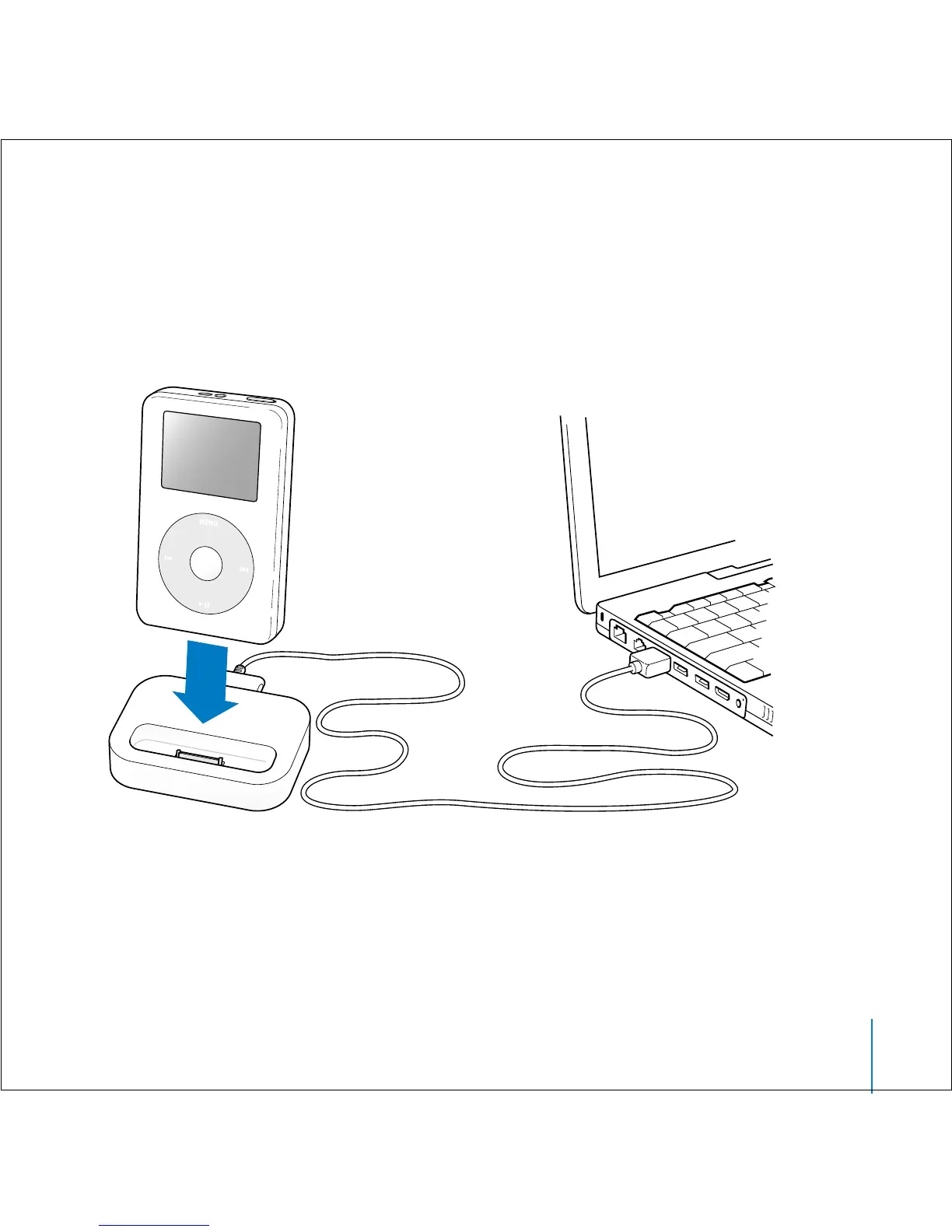
Connecting iPod Using the iPod Dock
(Included With Some Models)
The iPod Dock holds iPod upright as it charges or transfers music. Connect the Dock to
your computer using the same cable you use with iPod, or connect it to a power outlet
using the FireWire cable and power adapter. Then put iPod in the Dock.
Note: Be sure the connectors on the cable are oriented correctly. Each connector can
only be inserted one way.



 To Next Page