Using iPod 47
Use the remote’s Hold switch to disable the remote’s buttons. The iPod Hold switch and
the iPod Remote Hold switch do not affect one another.
Apple Earphones
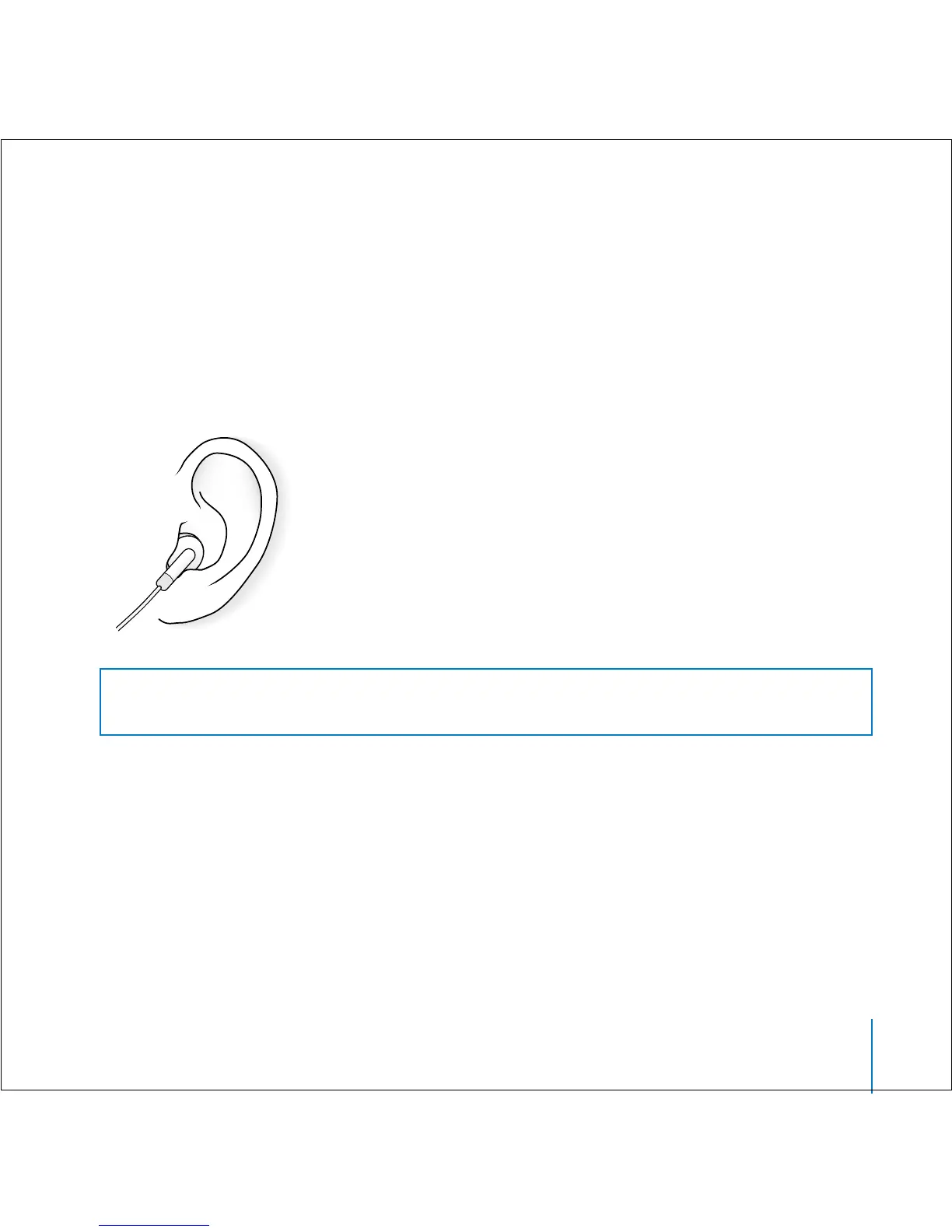
iPod comes with a pair of high-quality earbud headphones.
To use the earbud headphones:
n
Plug them in to the Headphones port, then place the earbud in your ear as shown.
Warning Listening to music at high volume over extended periods of time can
damage your hearing.



 To Next Page