26 Chapter 4 Lesson 4: Using iPod as a Hard Disk
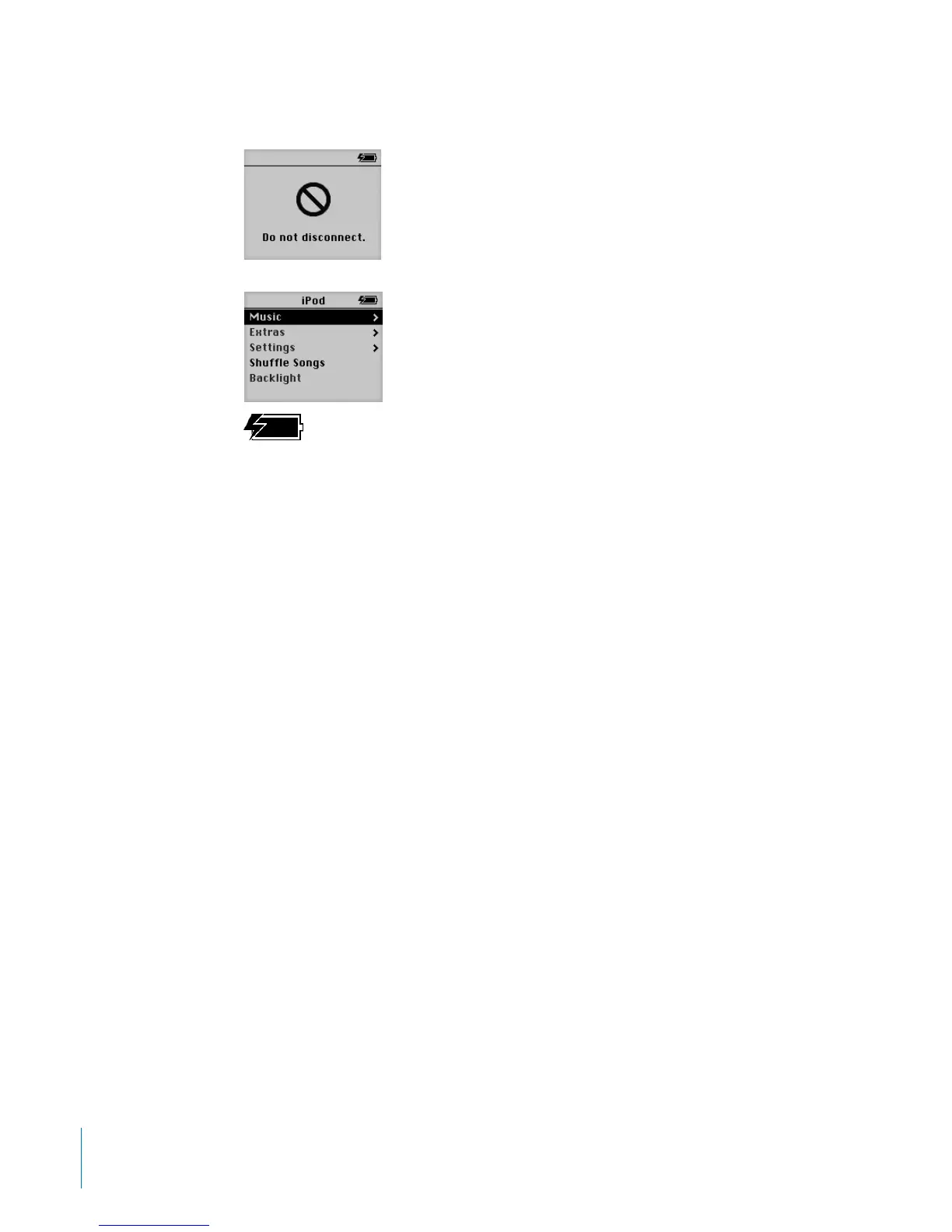
You can easily see if it’s OK to disconnect iPod by looking at the screen.
If you see this message, you must
eject iPod before disconnecting it
from your computer.
If you see the main menu, or a large
battery icon, you can disconnect iPod
from your computer.



 To Next Page