Quick Start
13
If your Windows PC doesn’t have a 6-pin FireWire port:
If your computer doesn’t have a 6-pin FireWire (IEEE 1394) port,
here are other ways you
can connect iPod:
•
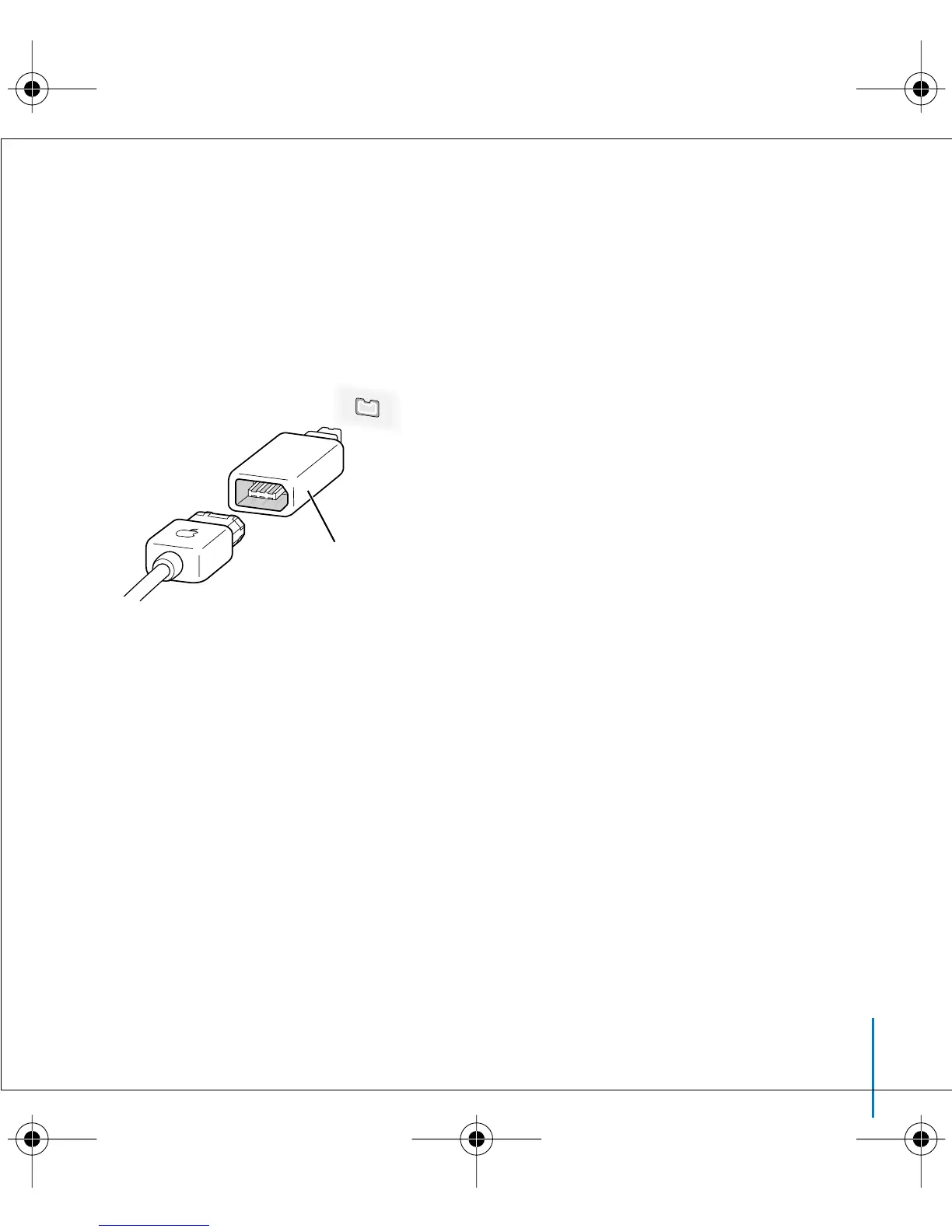
If your computer has a 4-pin FireWire port,
use the included 6-pin–to–4-pin FireWire
adapter.
Note:
You can’t charge iPod through your computer using a 4-pin FireWire port.
•
If your computer has a USB 2.0 port,
you can purchase an iPod Dock Connector to
USB 2.0 + FireWire Cable from Apple.
•
If your computer doesn’t have a FireWire port or a USB port,
you can purchase a FireWire
card or USB 2.0 card, and install it.
Go to www.apple.com/ipod for more information on cables and compatible
FireWire and USB cards.
6-pin–to–4-pin
FireWire adapter
LL2595_border.book Page 13 Wednesday, April 28, 2004 3:44 PM



 To Next Page