Using iPod
19
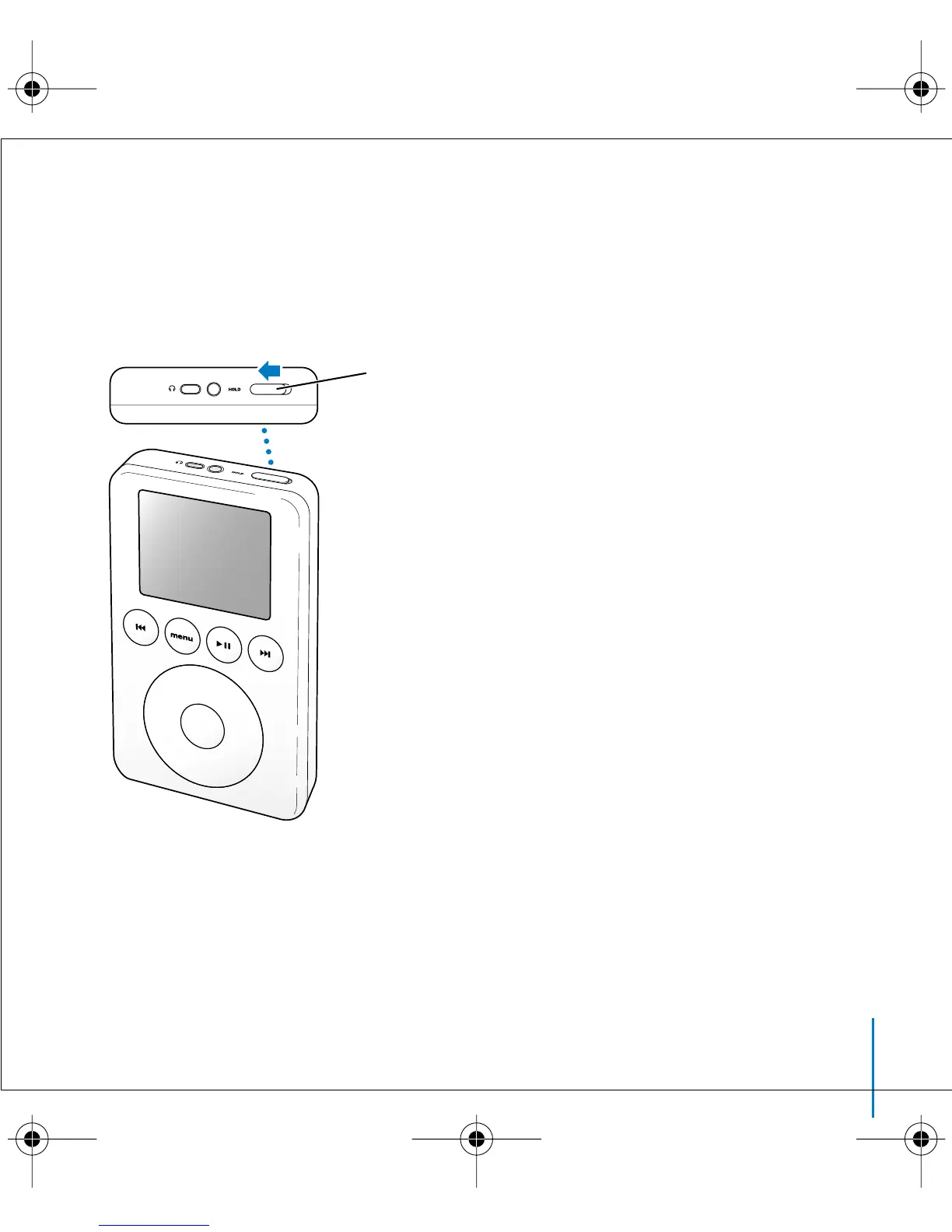
Disabling iPod Buttons Using the Hold Switch
If you’re carrying iPod in your pocket and you don’t want to press the buttons or
turn it on accidentally, you can make the buttons inactive.
n
Set the Hold switch to Hold.
Slide the switch toward
the center (so you can
see the orange stripe)
to disable the controls.
LL2595_border.book Page 19 Wednesday, April 28, 2004 3:44 PM



 To Next Page