28 Using iPod
3 Select “Only update checked songs.”
To set iPod to update only selected playlists:
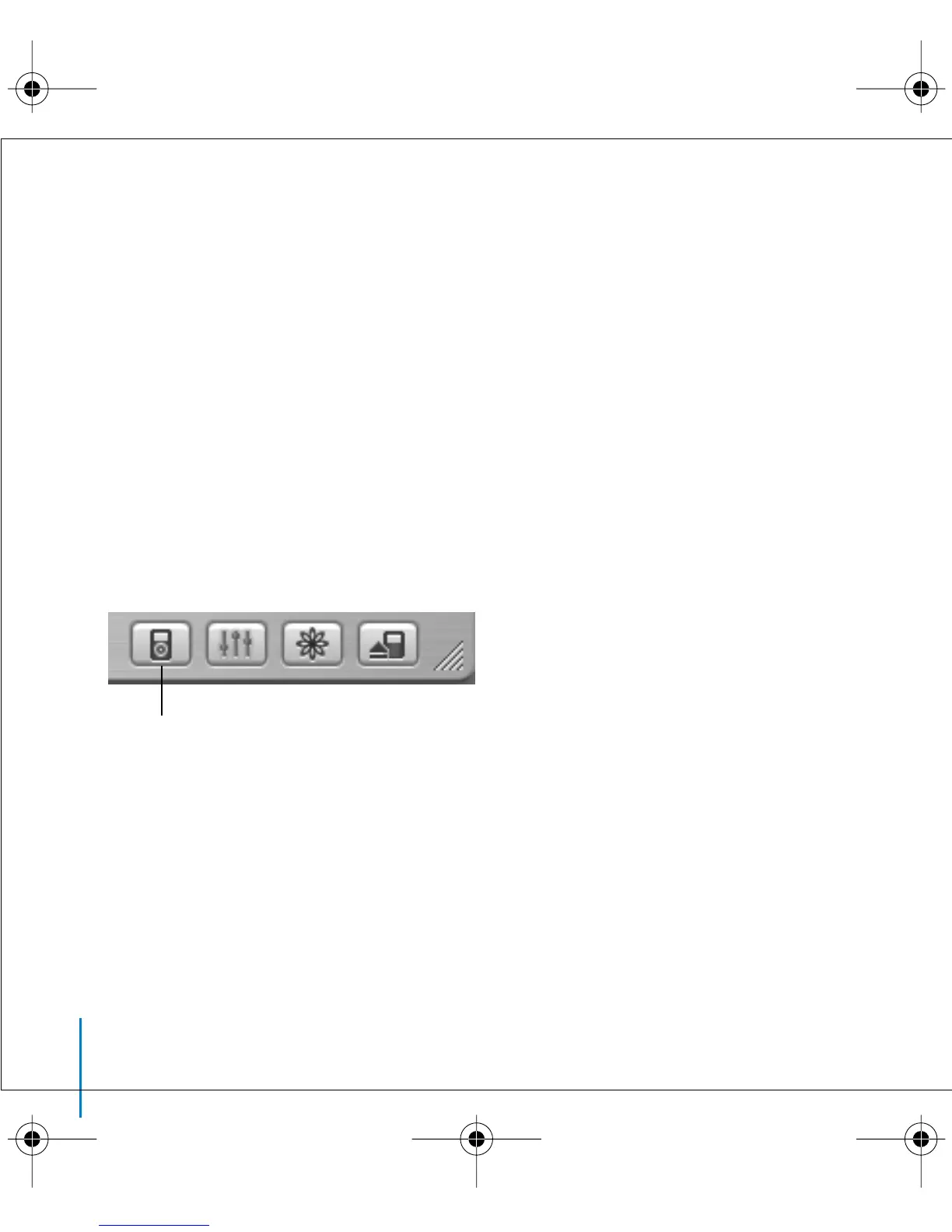
1 In iTunes, select iPod in the Source list and click the Options button.
2 Select “Automatically update selected playlists only.”
Transferring Songs and Playlists to iPod Manually
You can set iPod to transfer songs manually, so you can transfer individual songs
and playlists.
When iPod is set to transfer songs manually, it doesn’t synchronize automatically when
you connect it to your computer.
To set iPod to transfer songs manually:
1 In iTunes, select iPod in the Source list and click the Options button.
2 Select “Manually manage songs and playlists.”
To transfer a song or playlist to iPod manually:
n
In iTunes, drag a song or playlist to iPod in the Source list.
Options button
LL2595_border.book Page 28 Wednesday, April 28, 2004 3:44 PM



 To Next Page