Using iPod 43
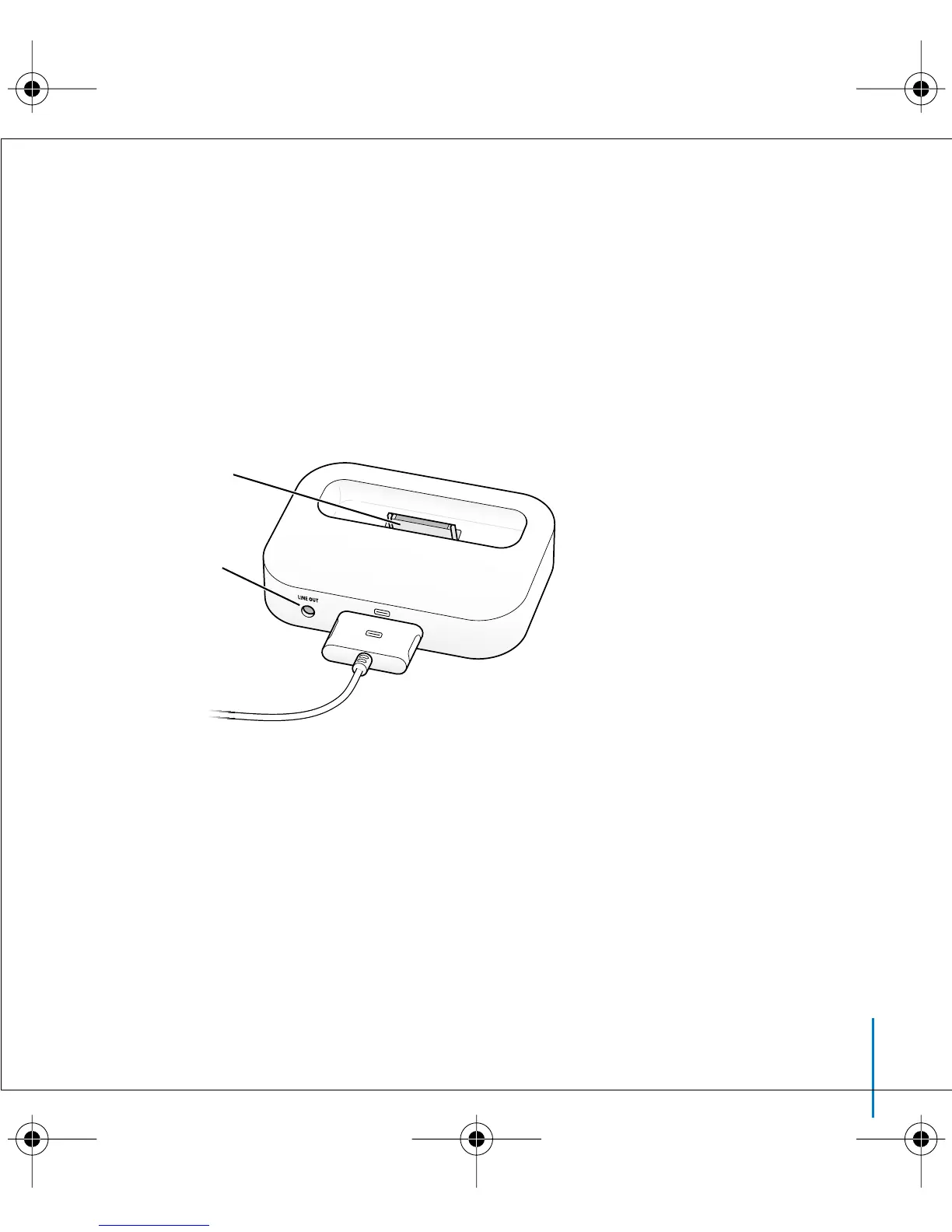
Using the iPod Dock, you can play music from iPod over external powered speakers or
a home stereo. You need an audio cable with a standard 3.5 millimeter stereo miniplug
(many external speakers have this type of cable attached).
To play music from iPod using the Dock:
1 Place iPod in the Dock.
2 Connect the speakers or stereo to the Dock Line Out port using an audio cable with a
3.5 millimeter stereo miniplug.
3 Use the iPod controls to play a song.
When the Dock is connected to an external audio source, use the volume controls on
the external source to change the volume.
Line Out port
iPod connector
LL2595_border.book Page 43 Wednesday, April 28, 2004 3:44 PM



 To Next Page