12
Getting Started
Step 4: Mount iSight
Before mounting iSight, be sure the FireWire cable can reach a FireWire port
on your computer. To purchase a FireWire cable of a different length, go to
www.apple.com/store. Be sure to purchase an Apple Thin FireWire cable.
Note:
If you use a mount with adhesive backing, you can only remove the mount
and replace it a few times before the adhesive quality is lost.
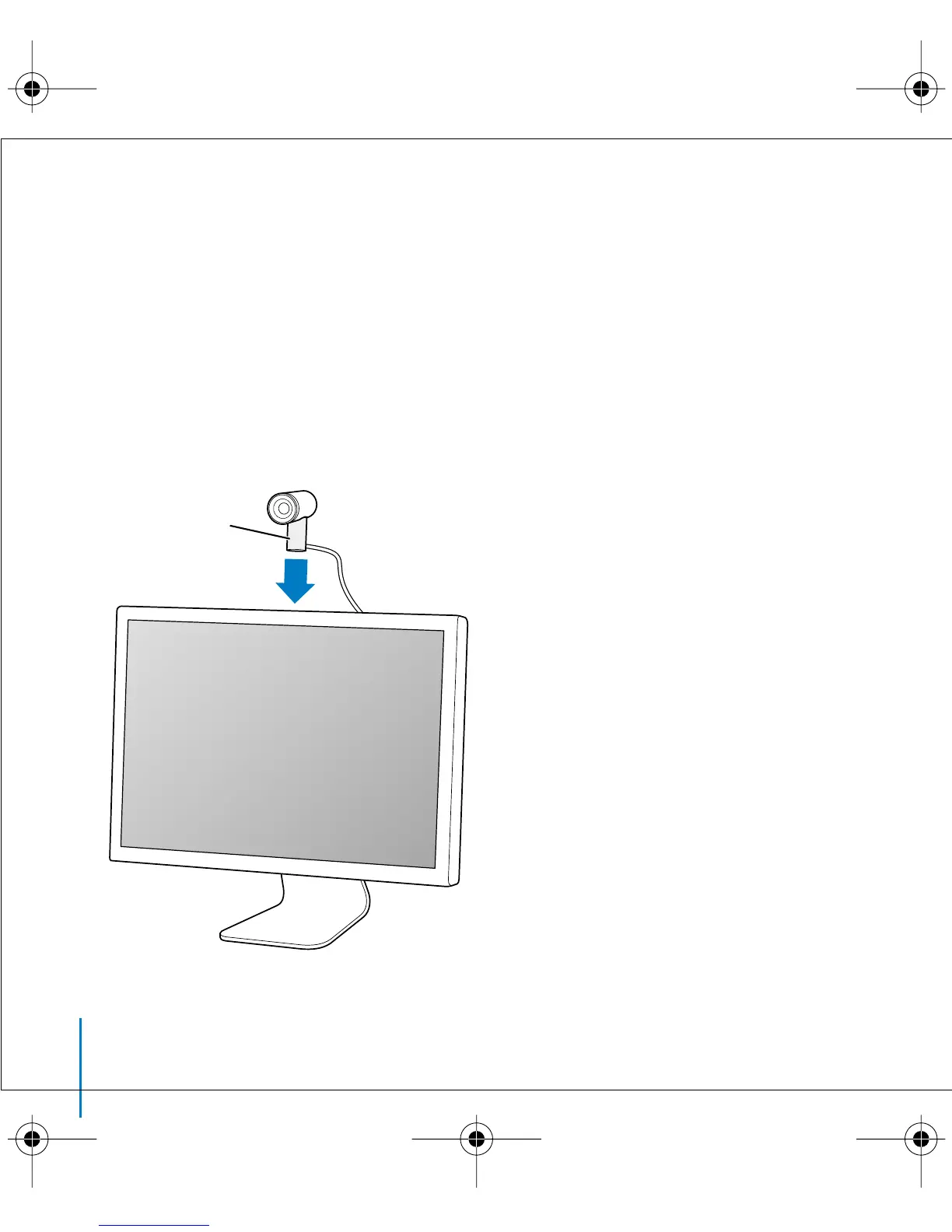
To mount iSight on an anodized aluminum Apple display:
n
Simply place the mount on top of the display, at or near the center.
Magnetic
display mount
border.book Page 12 Thursday, June 10, 2004 3:39 PM



 To Next Page