Getting Started
15
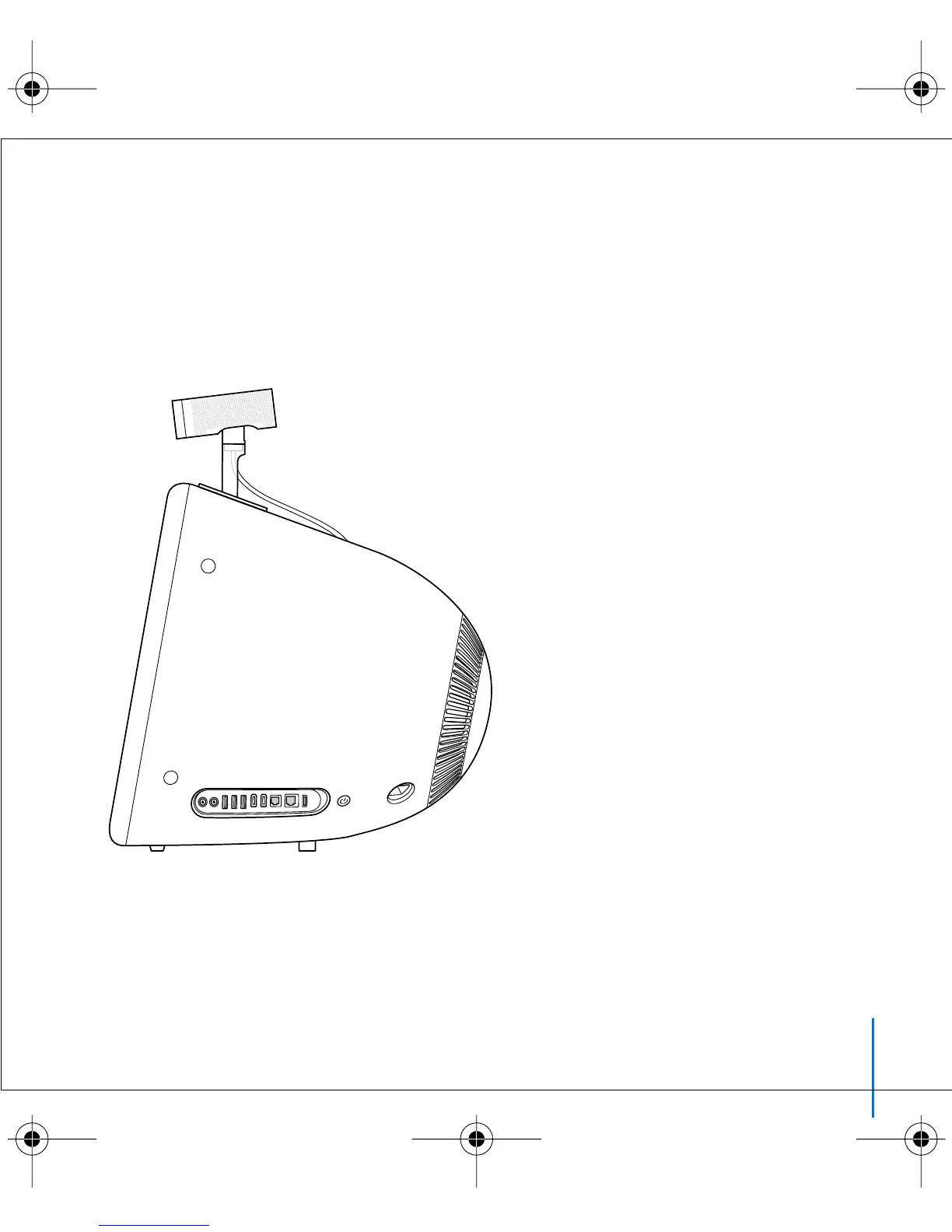
To mount iSight on an eMac or CRT display:
n
Remove the paper covering from the bottom of the mount and press it onto
the display.
Be sure to mount iSight toward the front of your eMac or display so it has
an unobstructed line of sight.
border.book Page 15 Thursday, June 10, 2004 3:39 PM



 To Next Page