Getting Started
7
Step 1: Register Your iSight
Go to www.apple.com/register.
Step 2: If You Don’t Already Have iChat AV, Purchase and Install It
iChat AV is included free with Mac OS X v10.3 or later. Otherwise, to purchase and
install iChat AV, go to www.apple.com/ichat.
Step 3: Attach iSight to a Mount
1
Choose a mount, depending on where you want to place iSight.
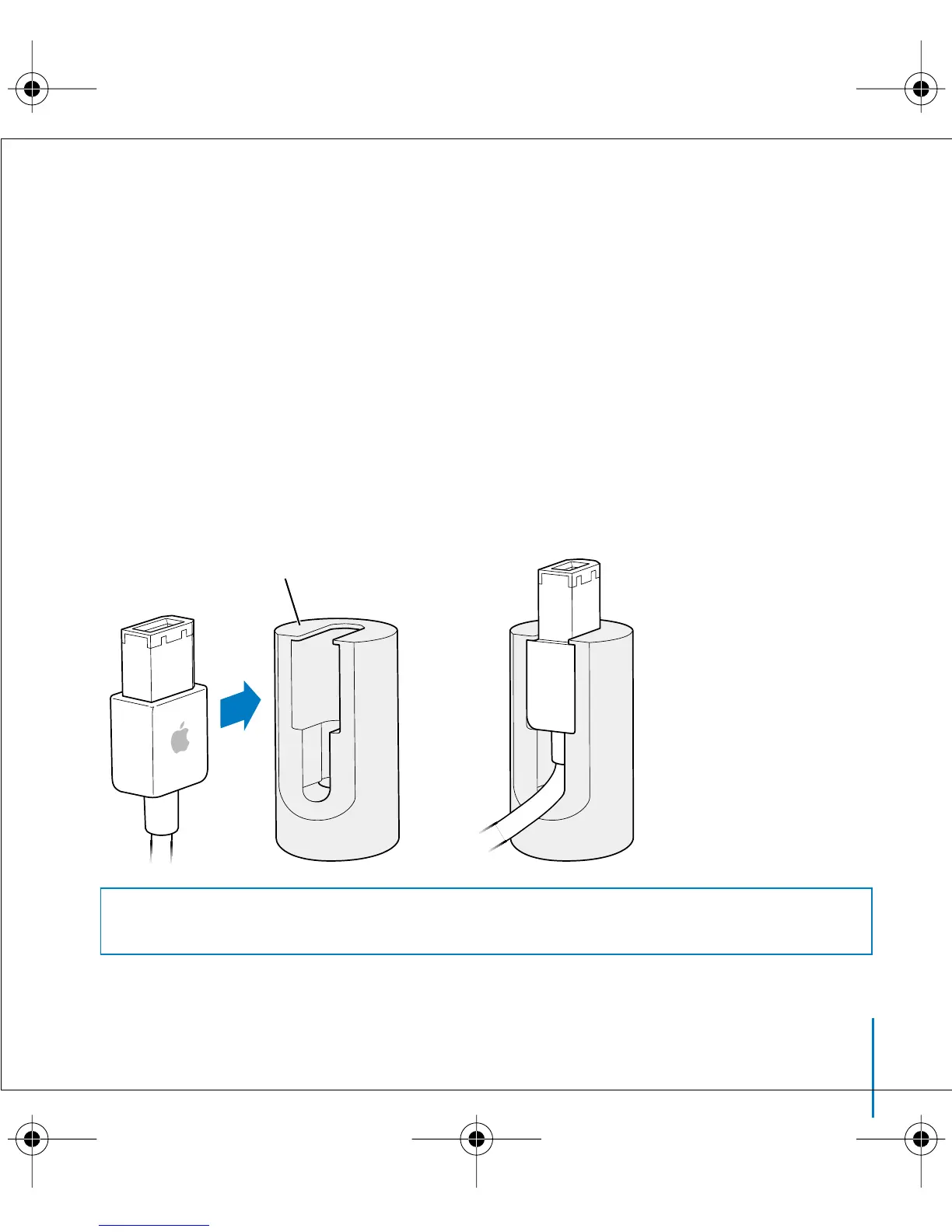
If you have an anodized aluminum Apple display, use the magnetic display mount.
Simply push the end of the FireWire cable into the mount. Then skip to step 4 (page 11)
to attach iSight to the mount.
Warning
Do not place the magnetic mount near a CRT display, an iPod, an external
hard disk, or any other item that could be damaged by a magnet.
Magnetic display mount
border.book Page 7 Thursday, June 10, 2004 3:39 PM



 To Next Page