Xserve Logic Board -
18
5. Remove the two installation guides.
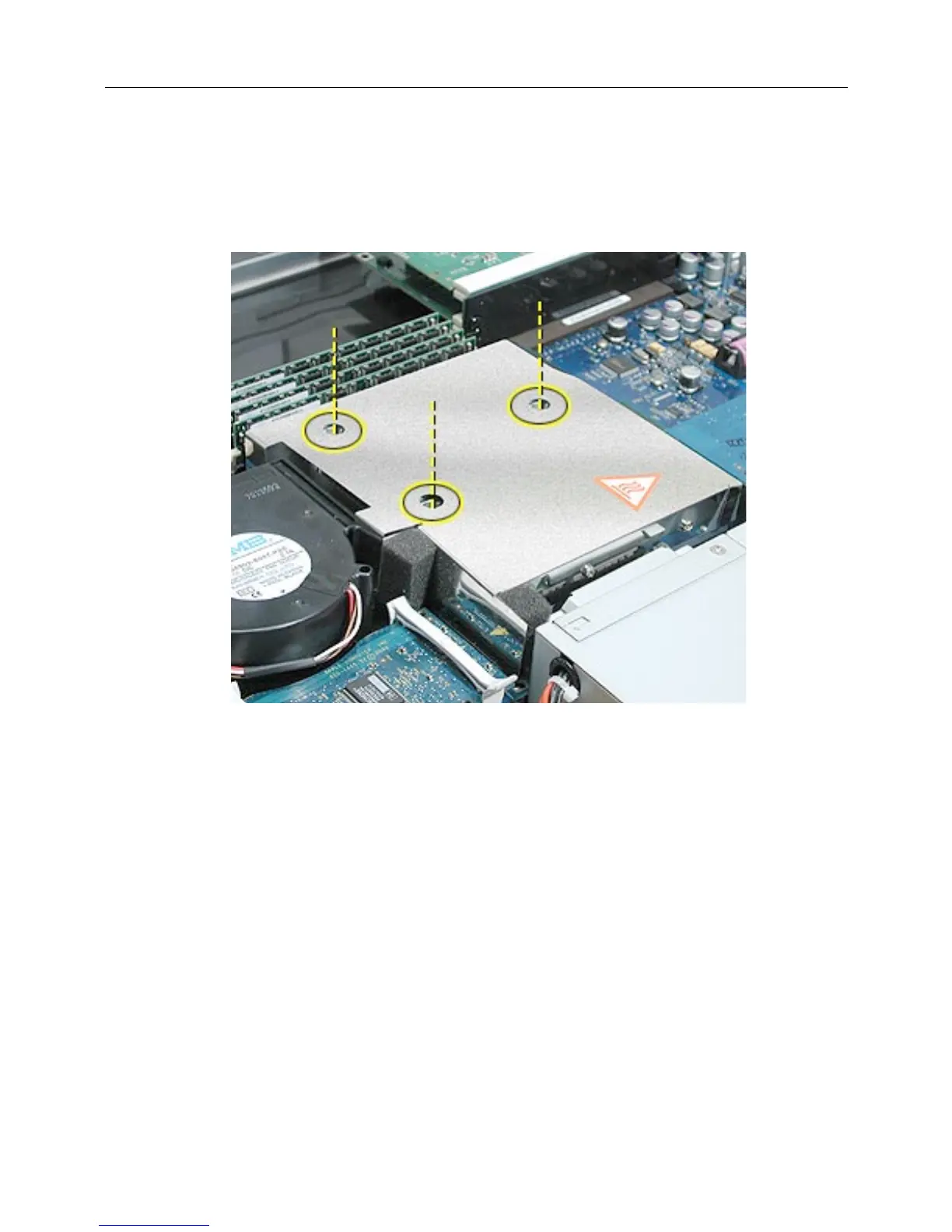
6. Replace the three mounting screws and secure the processor and heatsink to the
logic board.
(Figure 22)
Figure 22
PCI/AGP Card Risers and Memory DIMMs
1. Reconnect the dual- and single-slot risers to the logic board.
2. Reinstall any DIMMs in the logic board memory slots.
Note:
DIMMs are designed to fit into memory slots only one way. Be sure to align the
notch in the DIMM with the small rib inside the slot.



 To Next Page