2 Disassembly
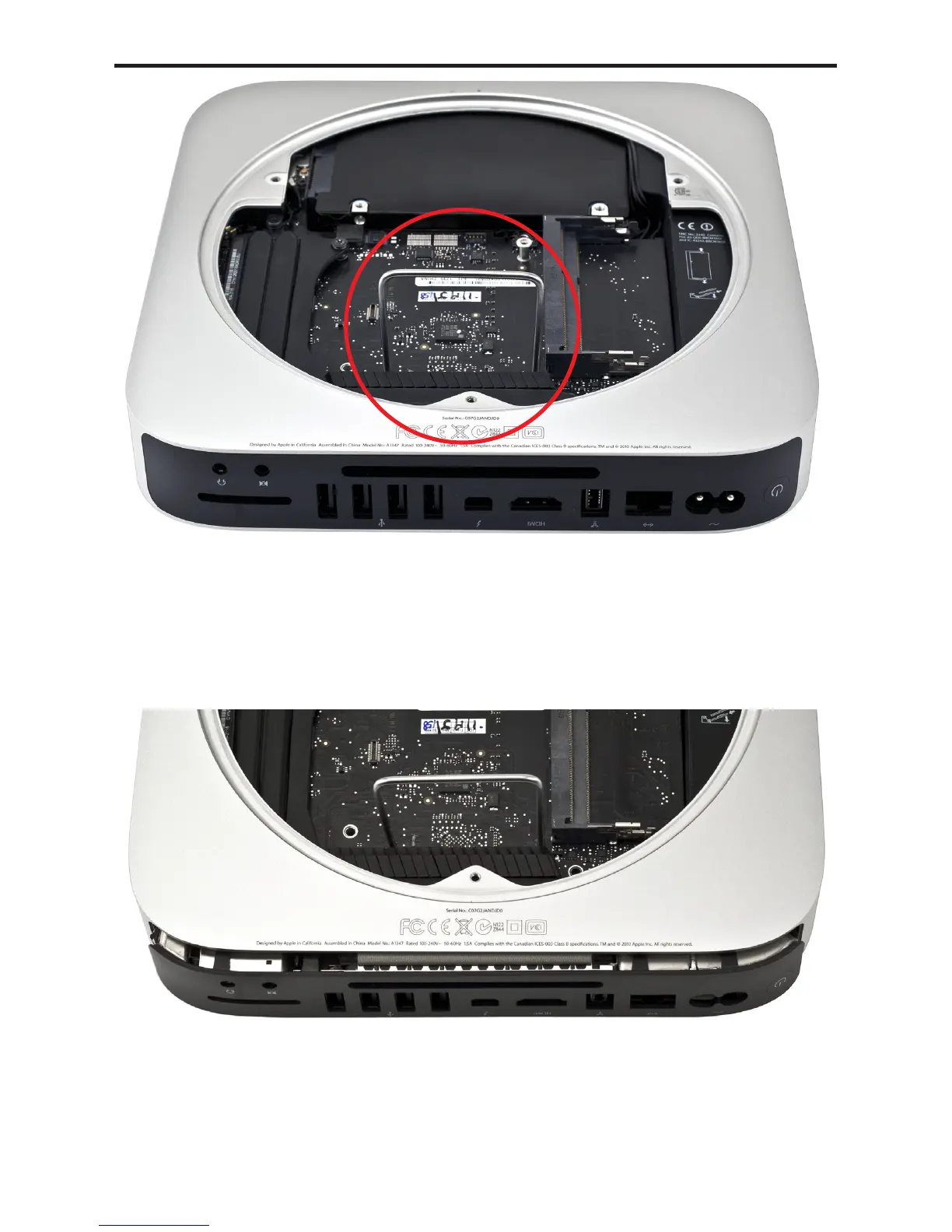
Insert the logic board removal tool into the 2 holes on the logic board.
The tool will go all the way down through the holes.
Conrm that the hard drive cable, and the IR Board cable are not caught
on their connectors before proceeding.
Carefully push down and pull back on the tool until the I/O wall
separates from the housing slightly.
You only want to separate the logic board from the chassis a small
amount - do not remove it more than this until the next steps are
completed or you could damage the logic board!
➥
➦
㉑
⑳
Mac mini 2012 Bluetooth Shielding Instructions



 To Next Page