Chapter 1
Ready, Set Up, Go
17
3
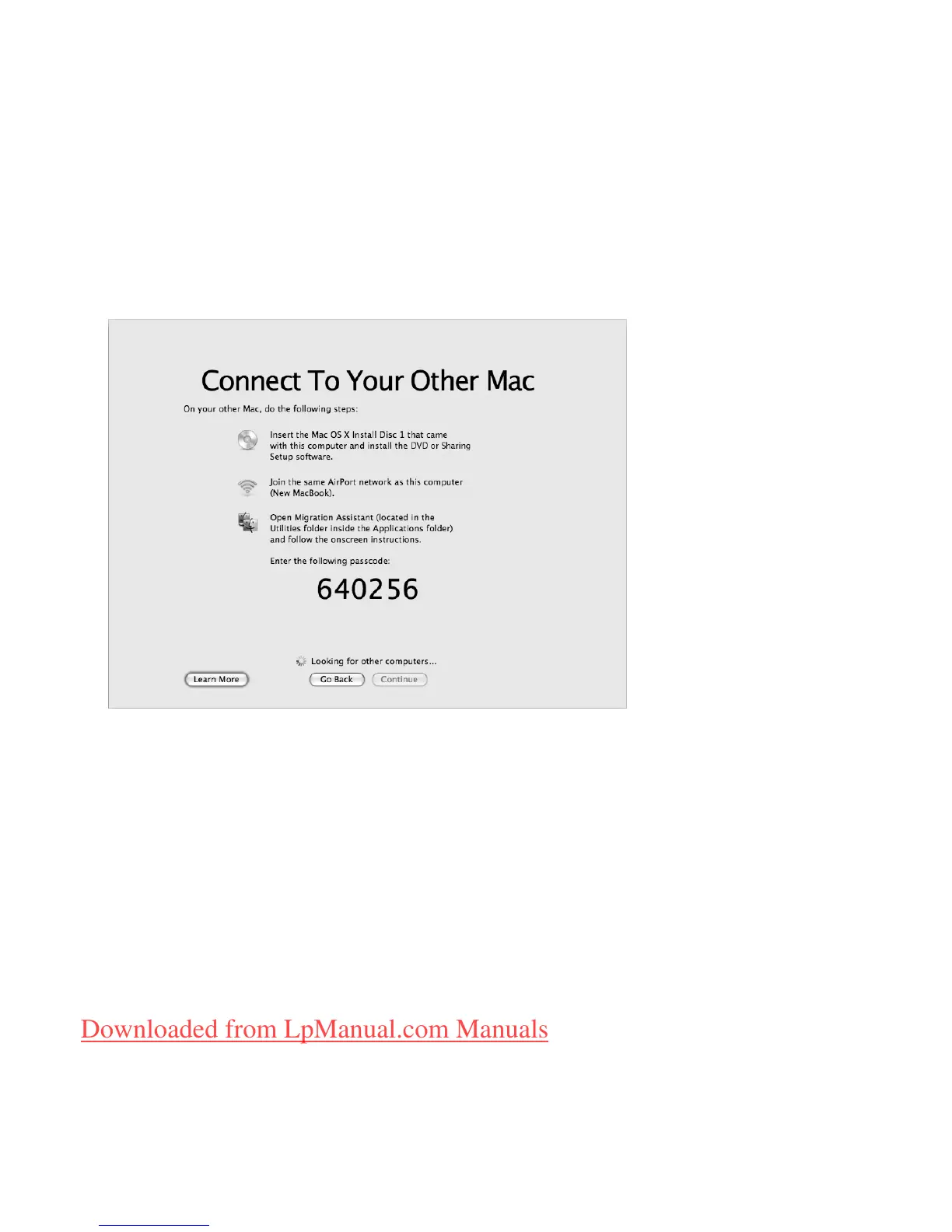
When you see the Connect To Your Other Mac screen with a passcode displayed, do
the remaining steps on the other Mac. You will enter the passcode in Migration
Assistant on the other Mac.
4
On the other Mac, open Migration Assistant (located in /Applications/Utilities/), and
then click Continue.
5
When you are prompted for a migration method, select “To another Mac”, and then
click Continue.
6
On the other Mac, quit any other open applications and then click Continue.
Downloaded from LpManual.com Manuals



 To Next Page