20 Chapter 1
Ready, Set Up, Go
2
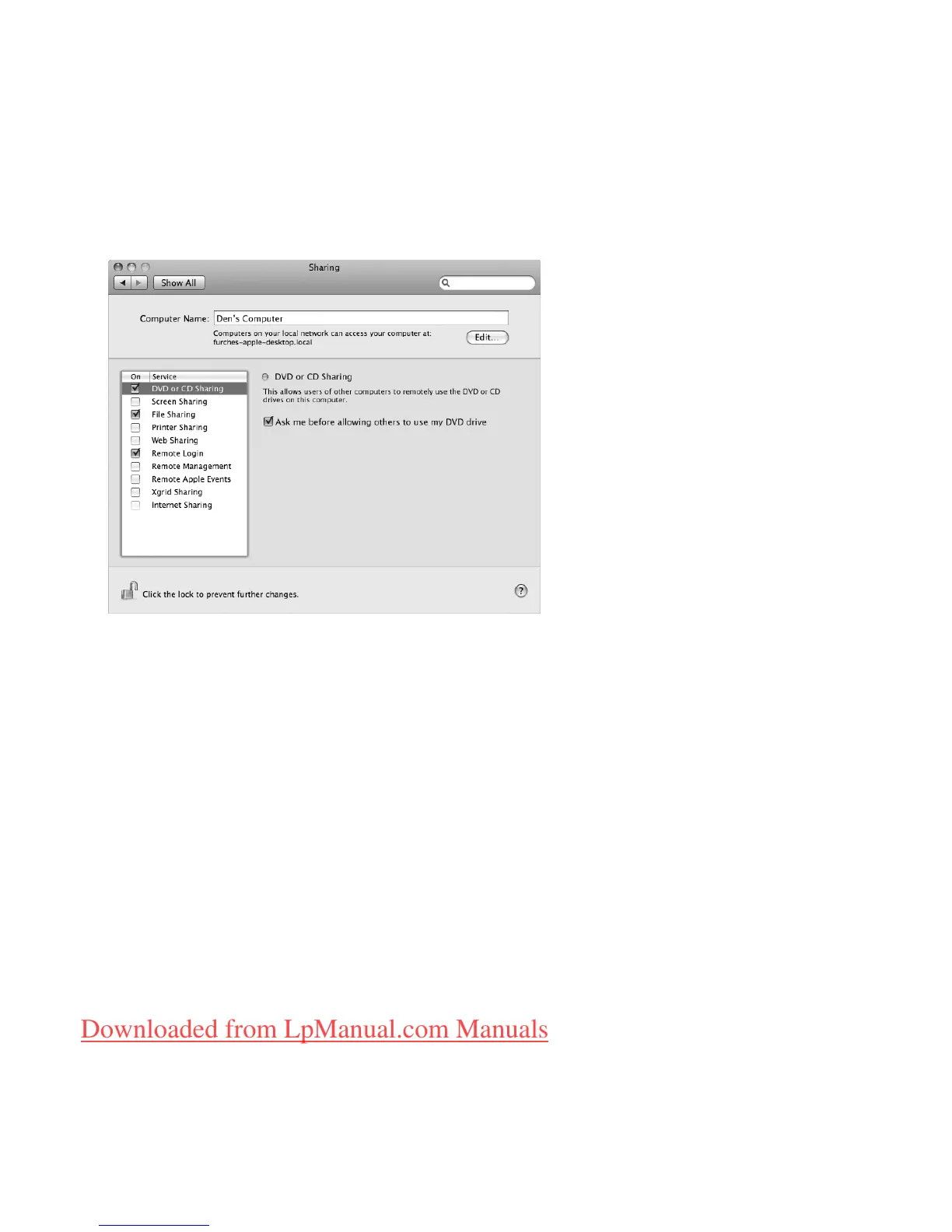
On the other Mac, choose Apple (
) > System Preferences and then open Sharing.
3
In the Sharing panel, select “DVD or CD Sharing” in the Service list. If you want other
users to request permission to share a DVD or CD, select “Ask me before allowing
others to use my DVD drive.”
To enable DVD or CD Sharing, if your other computer is a Windows computer:
1
Make sure your MacBook Air and the Windows computer are on the same wireless
network.
Downloaded from LpManual.com Manuals



 To Next Page