Chapter 2 Life with Your MacBook Air 33
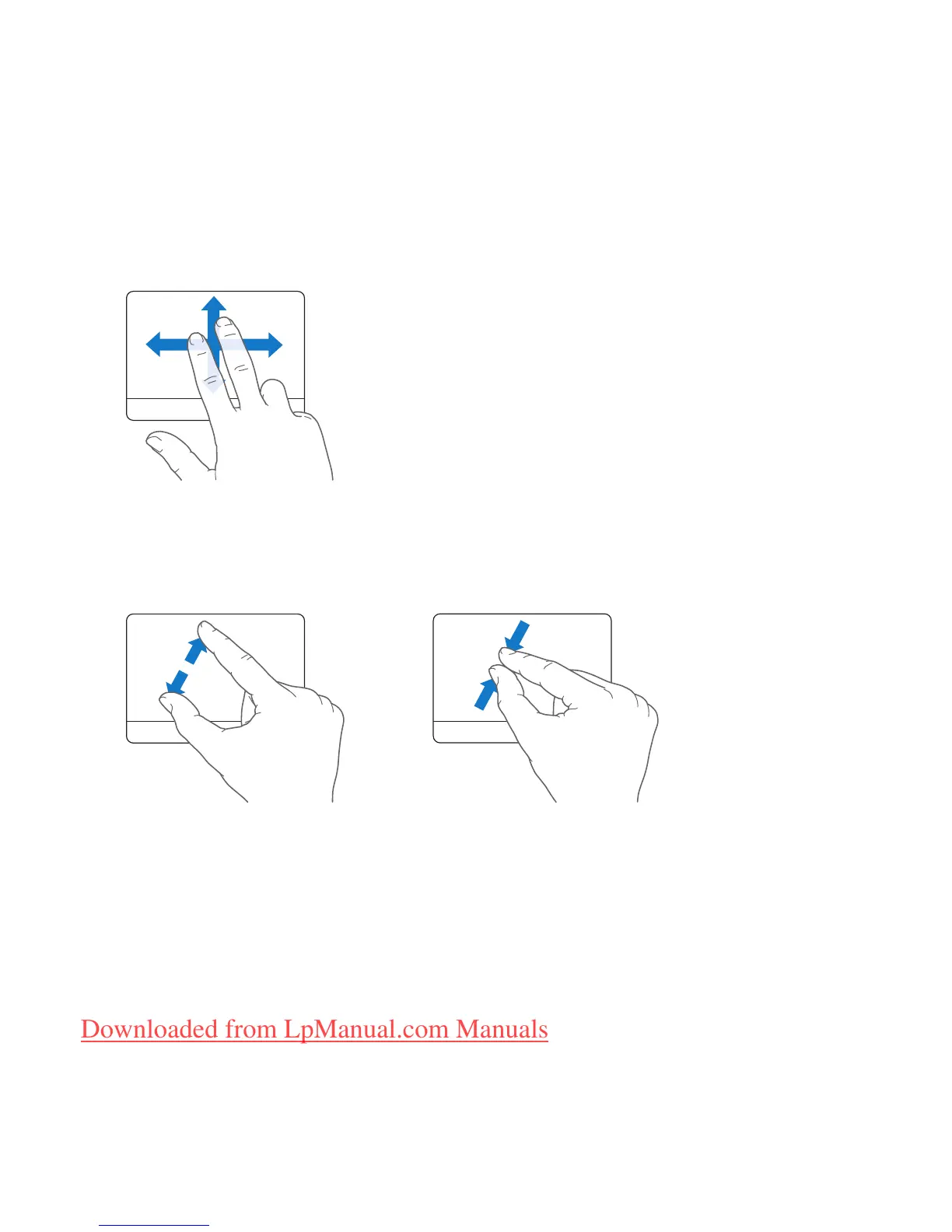
 Two-finger scrolling lets you drag to scroll quickly up, down, or sideways in the active
window. This option is on by default.
The following trackpad gestures work in certain applications, such as Preview or iPhoto.
For more information, choose Help > Mac Help and search for “trackpad.”
 Two-finger pinching lets you zoom in or out on PDFs, images, photos, and more.
Downloaded from LpManual.com Manuals



 To Next Page