Chapter 1
Ready, Set Up, Go
9
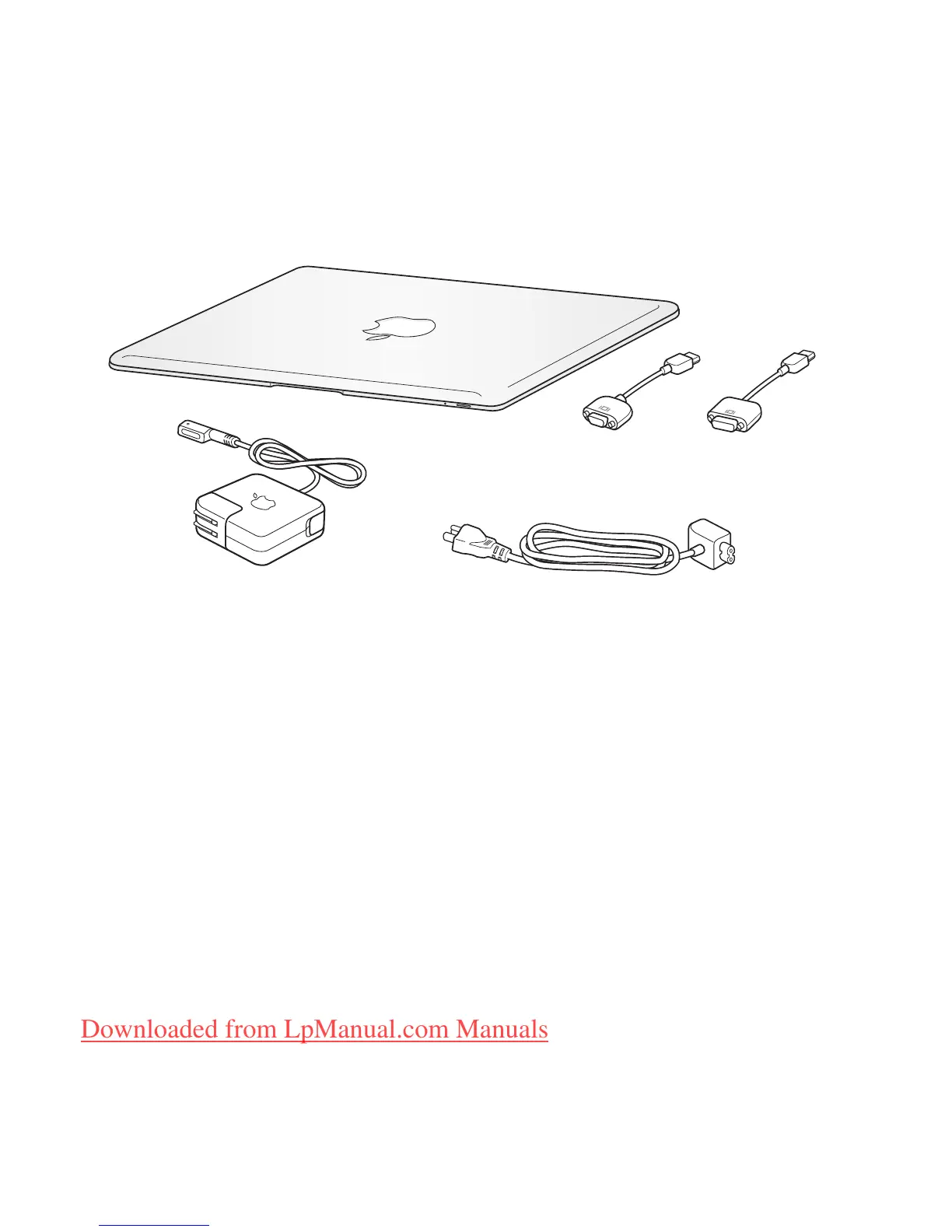
What’s in the Box
Important:
Remove the protective film covering the 45W MagSafe Power Adapter
before setting up your MacBook Air.
About Optical Discs
Although your MacBook Air doesn’t have an optical disc drive, it does include DVD
discs with important software. You can easily access this software, as well as install
applications and access data from other optical discs, using the optical disc drive on
another Mac or Windows computer. You can also use the optional MacBook Air
SuperDrive, an external optical disc drive.
AC power cord
®
AC
plug
45W MagSafe Power Adapter
Micro-DVI to
DVI Adapter
Micro-DVI to
VGA Adapter
Downloaded from LpManual.com Manuals



 To Next Page