MacBook Pro (13-inch) Symptom Charts — Display 60
2010-09-14
Deep Dive: Distorted/Blurred Image
Check Result Action Code
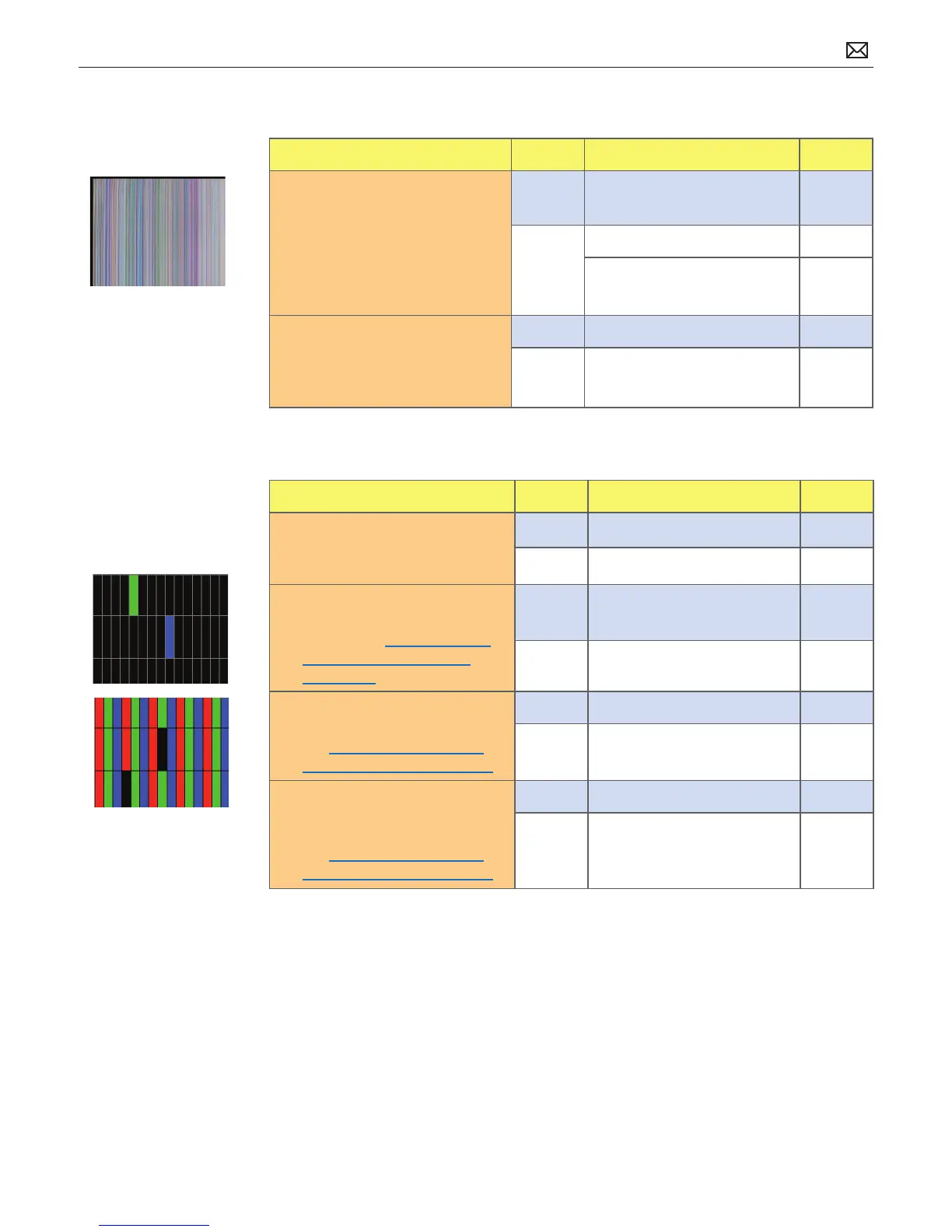
1. Sample image illustrates loss of
LVDS data signals to LCD or a
defective LCD panel. Inspect &
reseat LVDS cable connection
looking for damaged or bent
pins. Is image restored with
reseated cable connection?
Yes Issue due to loose connection.
Display issue resolved.
No Go to step 2.
If logic board connector
damage, replace logic board.
M24
2. Substitute a known good
display clamshell to test logic
board video output. Is normal
video restored?
Yes Replace display assembly. L04
No Replace logic board. M04
Deep Dive: Pixel Anomalies
Check Result Action Code
1. Determine if “defects” are dust/
debris on surface of glass panel.
Yes Clean glass panel.
No Go to step 2.
2. Determine if bright pixel
defects exceed the acceptable
number. See kBase #HT1721:
“About LCD display pixel
anomalies”
Yes Replace display assembly. L08
No LCD meets bright pixel defect
specications. Go to step 3.
3. Determine if dark pixel defects
exceed the acceptable number.
See kBase #HT1721: “About
LCD display pixel anomalies”
Yes Replace display assembly. L08
No LCD meets dark pixel defect
specications. Go to step 4.
4. Determine if the combination
of bright/dark pixel defects
exceed the acceptable number.
See kBase #HT1721: “About
LCD display pixel anomalies”
Yes Replace display assembly. L08
No Explain to user that LCD is
within specications. Do not
replace display assembly.



 To Next Page