073-1311 Rev. A 2
© 2009 Apple Inc. All rights reserved.
Removal
Caution: Make sure data is backed up before removing the hard drive.
Shut down computer.1
Unplug all cables.2
Put on ESD strap or touch metal case to discharge electricity.3
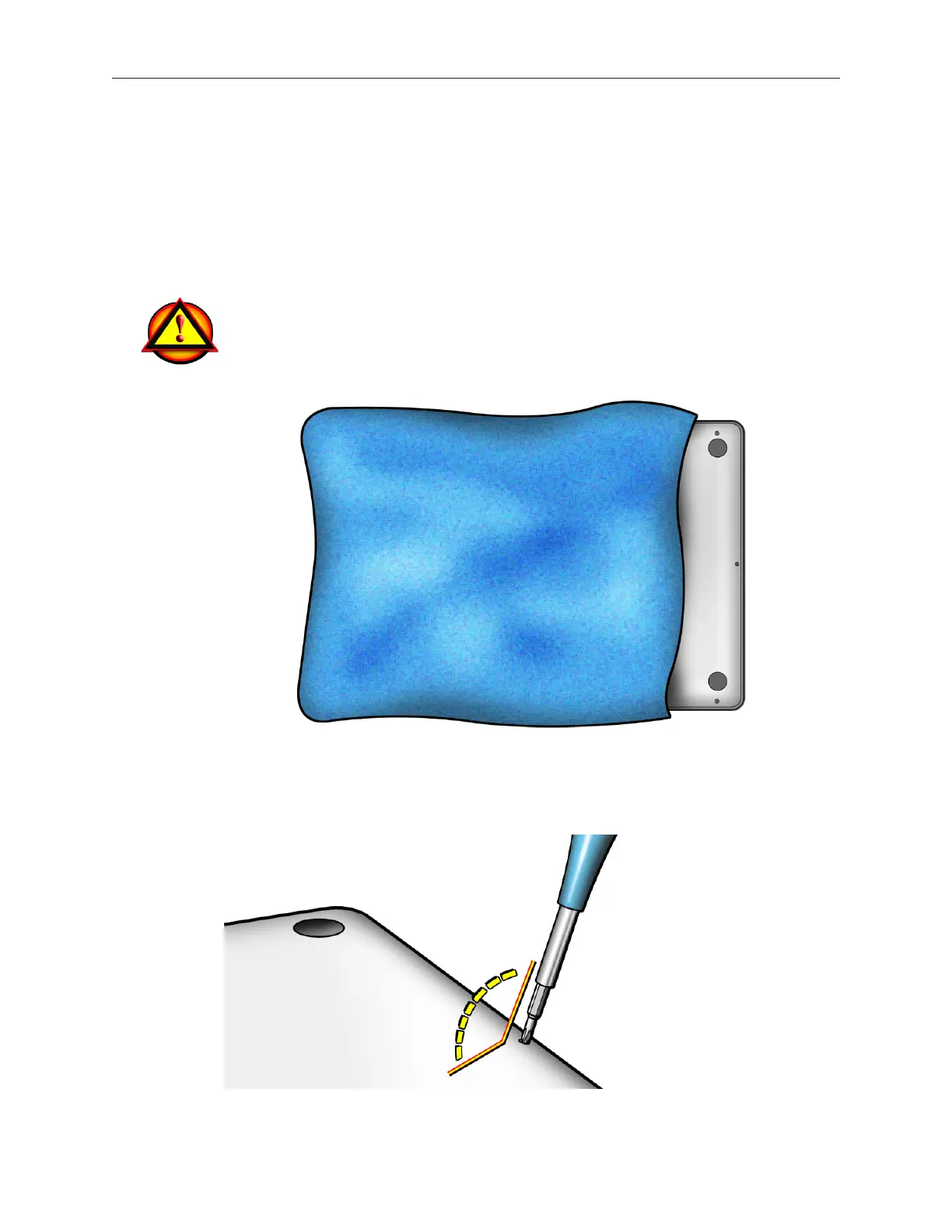
Caution: To prevent scratches, use a protective cloth when working with metal tools.
Important: The screws at the sides and front of the computer must be removed and installed at
an angle.



 To Next Page