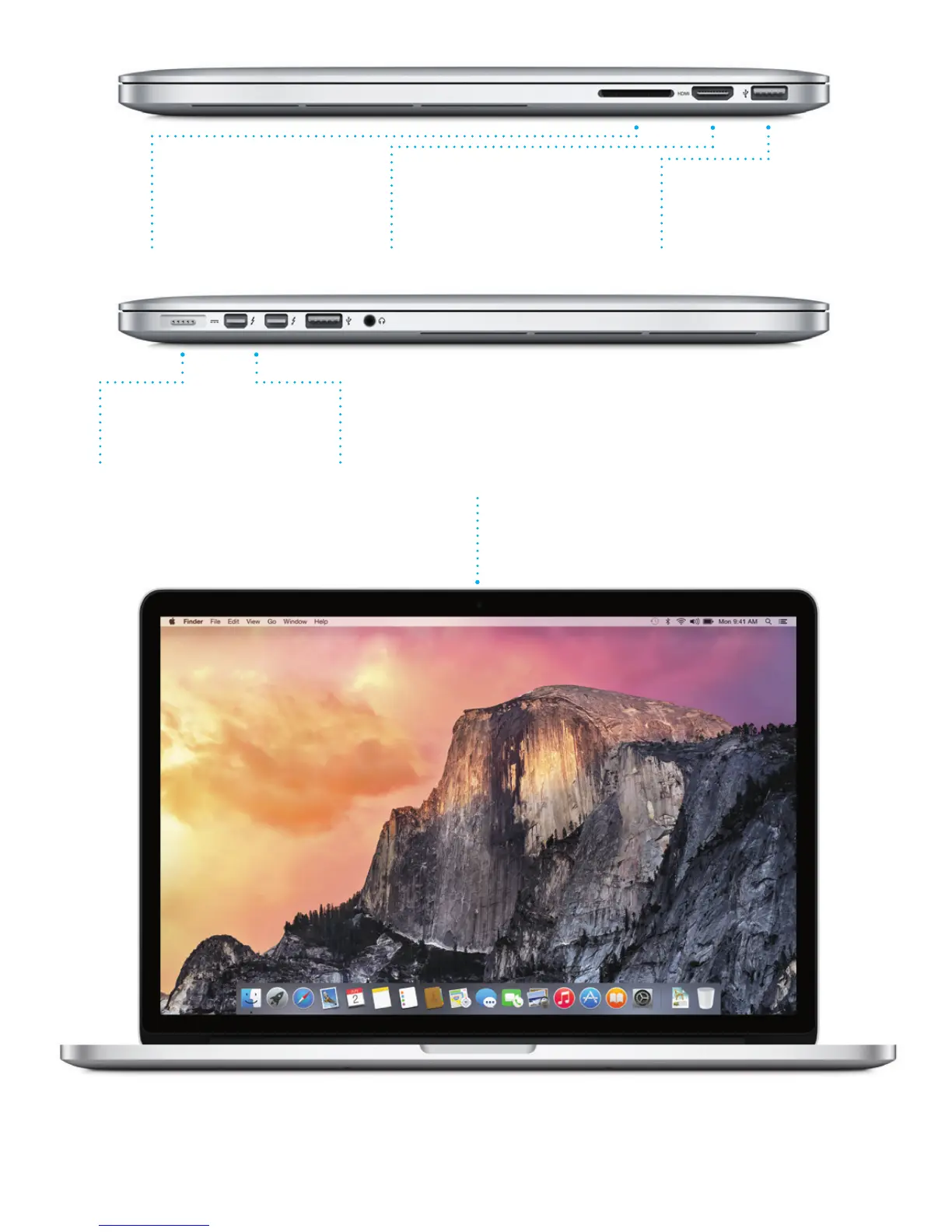
SDXC
Transfer photos
from your camera’s
memory card
HDMI
Connect to your HDTV
MagSafe 2
Magnetically attach
the power cord
FaceTime HD camera
Make video calls, capture
HD video, and take snapshots
Thunderbolt 2
Connect external displays
and high-performance devices
USB 3
Charge devices, connect
external storage, and more
To learn more about ports and connectors, go to support.apple.com/kb/HT2494.





 To Next Page