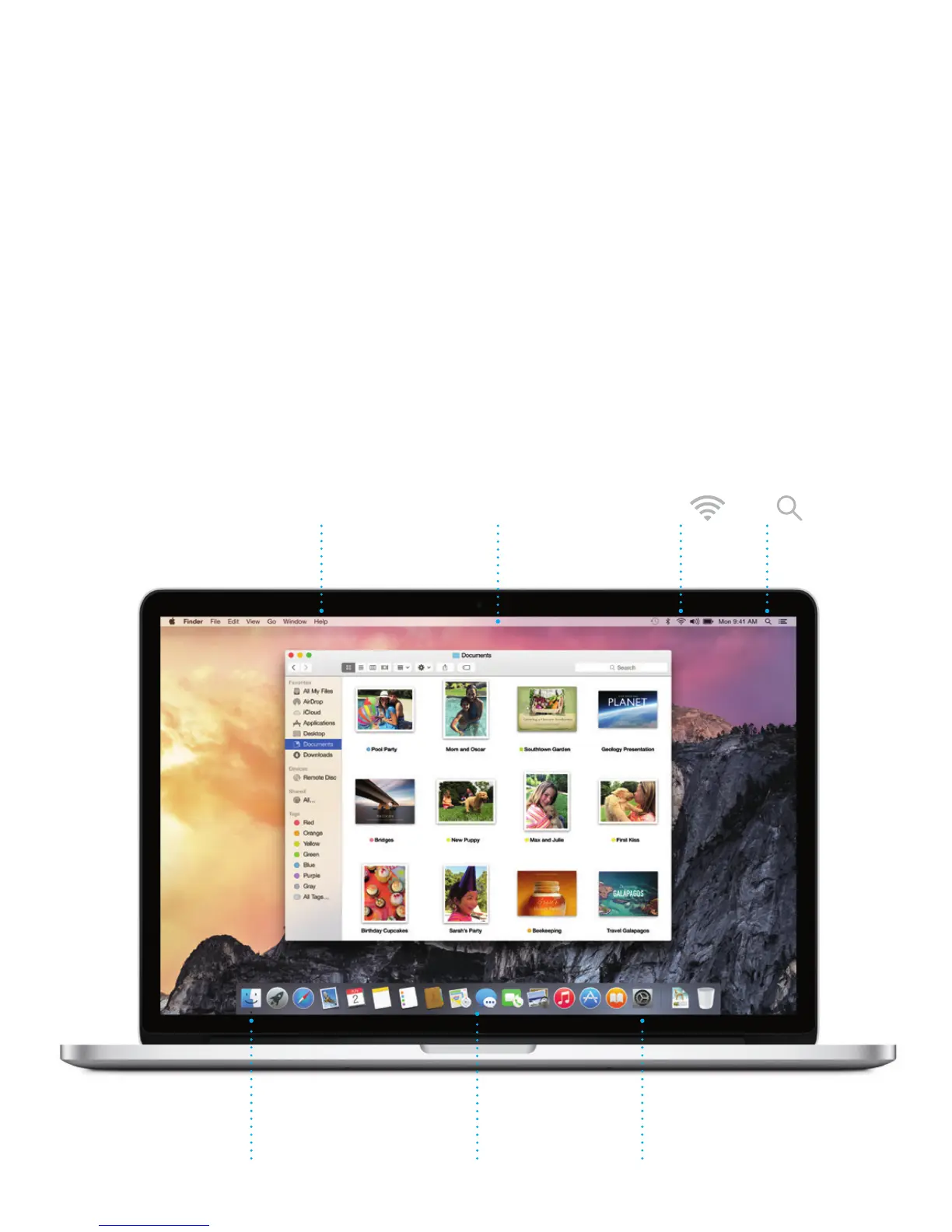
Get to know your desktop
The desktop is where you can nd everything and do anything on your Mac.
The Dock at the bottom of the screen is a place to keep the apps you use
most. It’s also where you can open System Preferences, which lets you
customize your desktop and other settings. Click the Finder icon to get to all
your les and folders.
The menu bar at the top has useful information about your Mac. To check
the status of your wireless Internet connection, click the Wi-Fi icon. Your Mac
automatically connects to the network you chose during setup. You can also
nd anything on your Mac and look up information using Spotlight.
Help menu Menu bar
Finder Dock
System
Preferences
Wi-Fi
Spotlight





 To Next Page