1
4
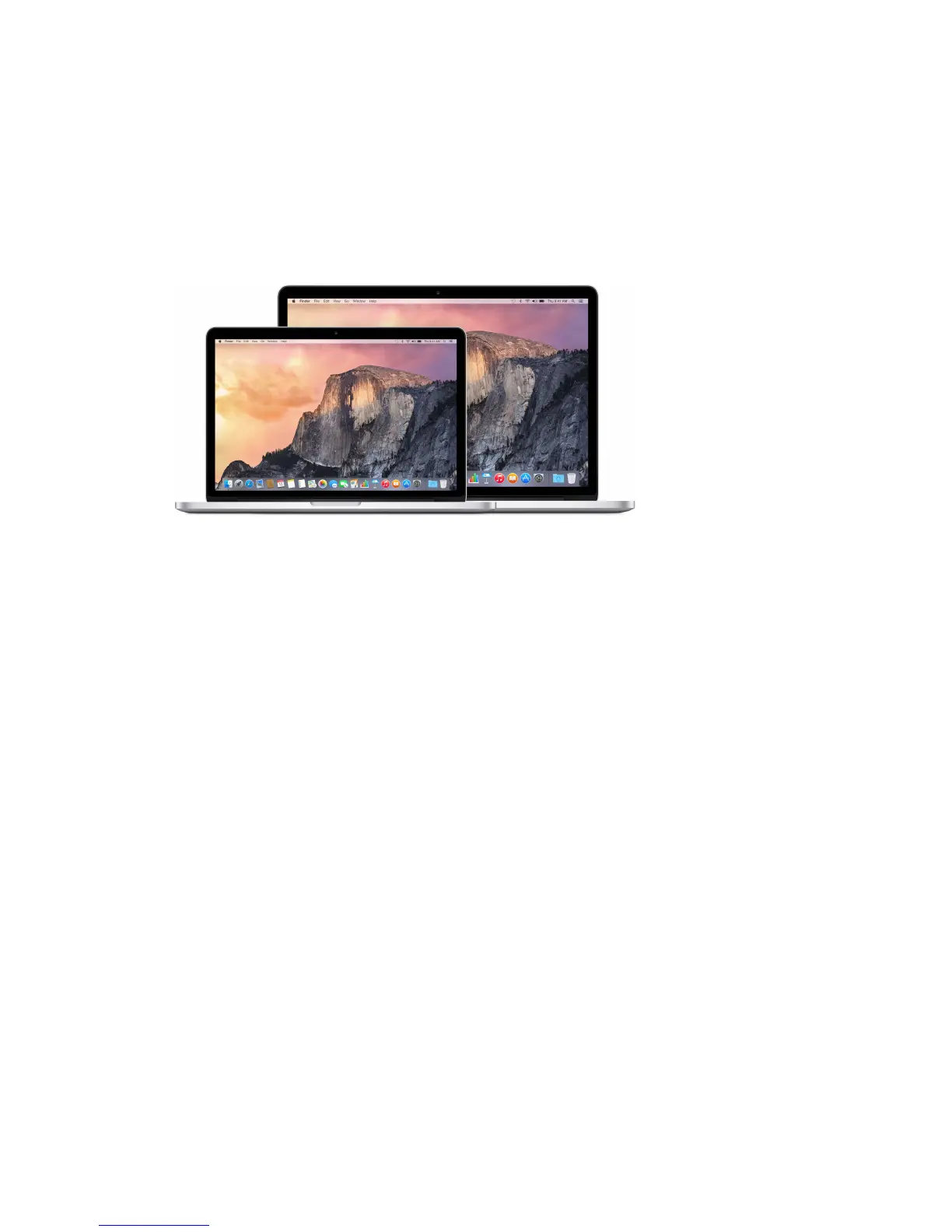
Say hello to MacBook Pro
Take a look around. Want a quick tour of the features of your MacBook Pro? Go to Take a tour.
Get started. Press the power button and you’re up and running. For tips, see Set up.
See what you can do. Make video calls with FaceTime, share les with AirDrop, sync your
important documents, photos, music, apps, contacts, and calendars across devices with iCloud
and Hando, and use your iOS device and your MacBook Pro together to make and receive
phone calls and texts, or to create an instant hotspot. Learn more in Use your MacBook Pro.
Unleash your creativity. Edit HD video with Final Cut Pro X, make music with GarageBand, create
presentations with Keynote, and more. Go to About apps to get inspired.
Welcome
74% resize factor





 To Next Page