3
9
Set up
The rst time you turn on your MacBook Pro, Setup Assistant walks you through the simple steps
needed to start using your new Mac.
To get the most out of MacBook Pro, be sure to connect to Wi-Fi and turn on Bluetooth
®
, get an
Apple ID, and sign in to iCloud. You can do these steps quickly and easily with Setup Assistant—
but if you want to do them later, here’s how:
Connect to Wi-Fi. Click the Wi-Fi status icon in the menu bar, then choose a Wi-Fi network
and enter the password, if necessary.
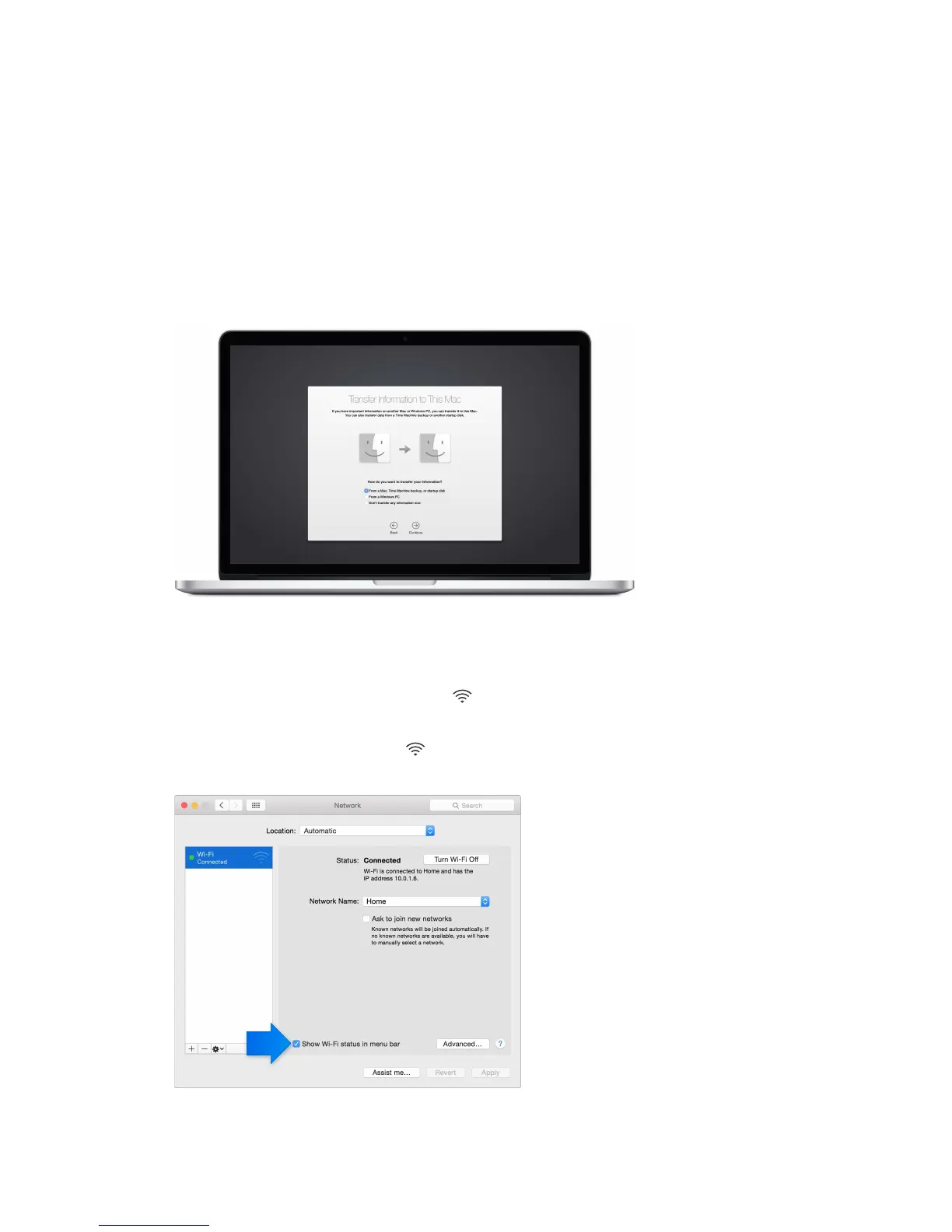
If you don’t see the Wi-Fi status icon , choose Apple menu () > System Preferences, then
click Network. Select Wi-Fi in the list on the left, then select “Show Wi-Fi status in menu bar.”
Get started
74% resize factor





 To Next Page