110 Appendix B Safety, Use, and Care Information
Understanding Ergonomics
Here are some tips for setting up a healthy work environment.
Keyboard and Trackpad
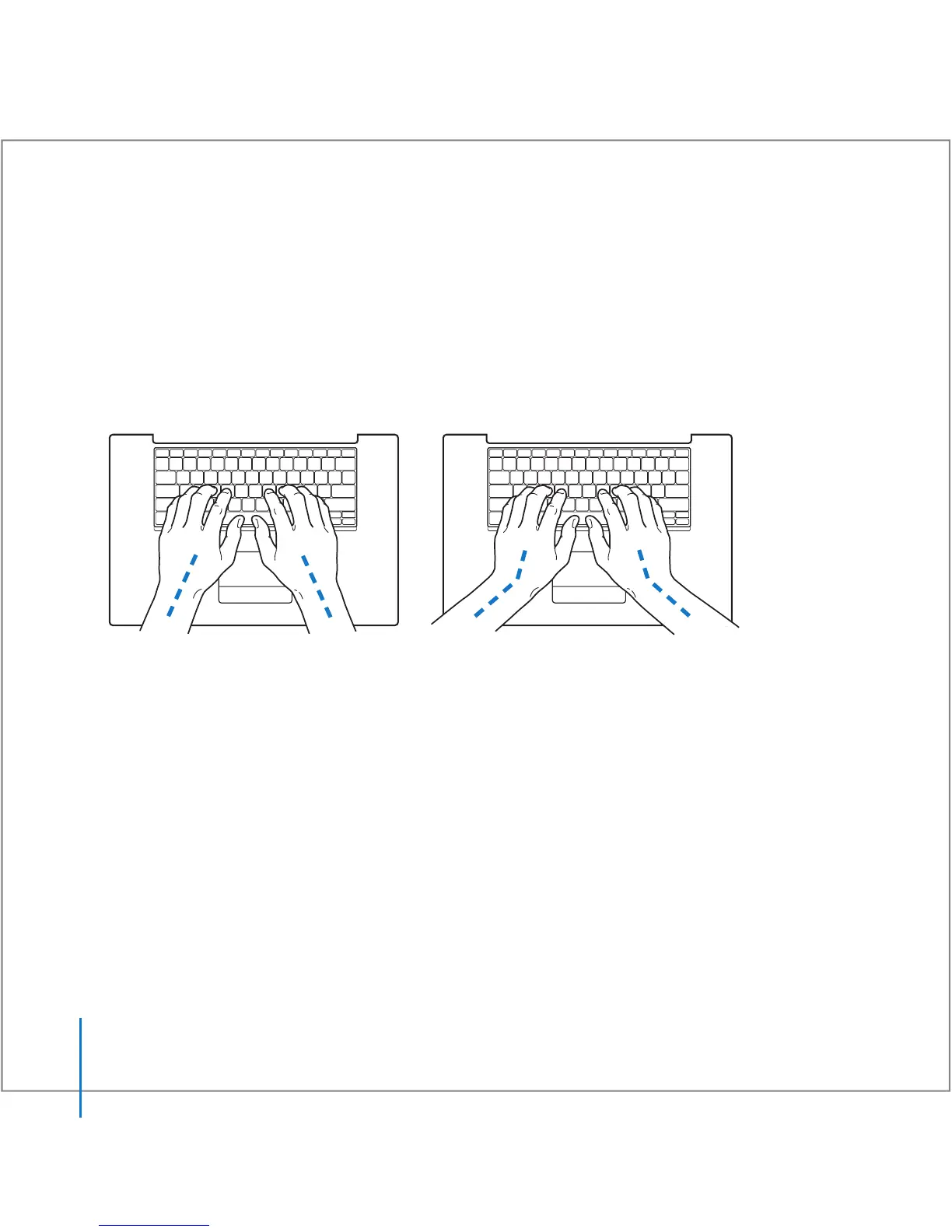
When you use the keyboard and trackpad, your shoulders should be relaxed. Your
upper arm and forearm should form an angle that is slightly greater than a right angle,
with your wrist and hand in roughly a straight line.
Use a light touch when typing or using the trackpad and keep your hands and fingers
relaxed. Avoid rolling your thumbs under your palms.
Not this
This





 To Next Page