44 Chapter 2 Getting to Know Your MacBook Pro
Customizing Your Desktop and Setting Your Preferences
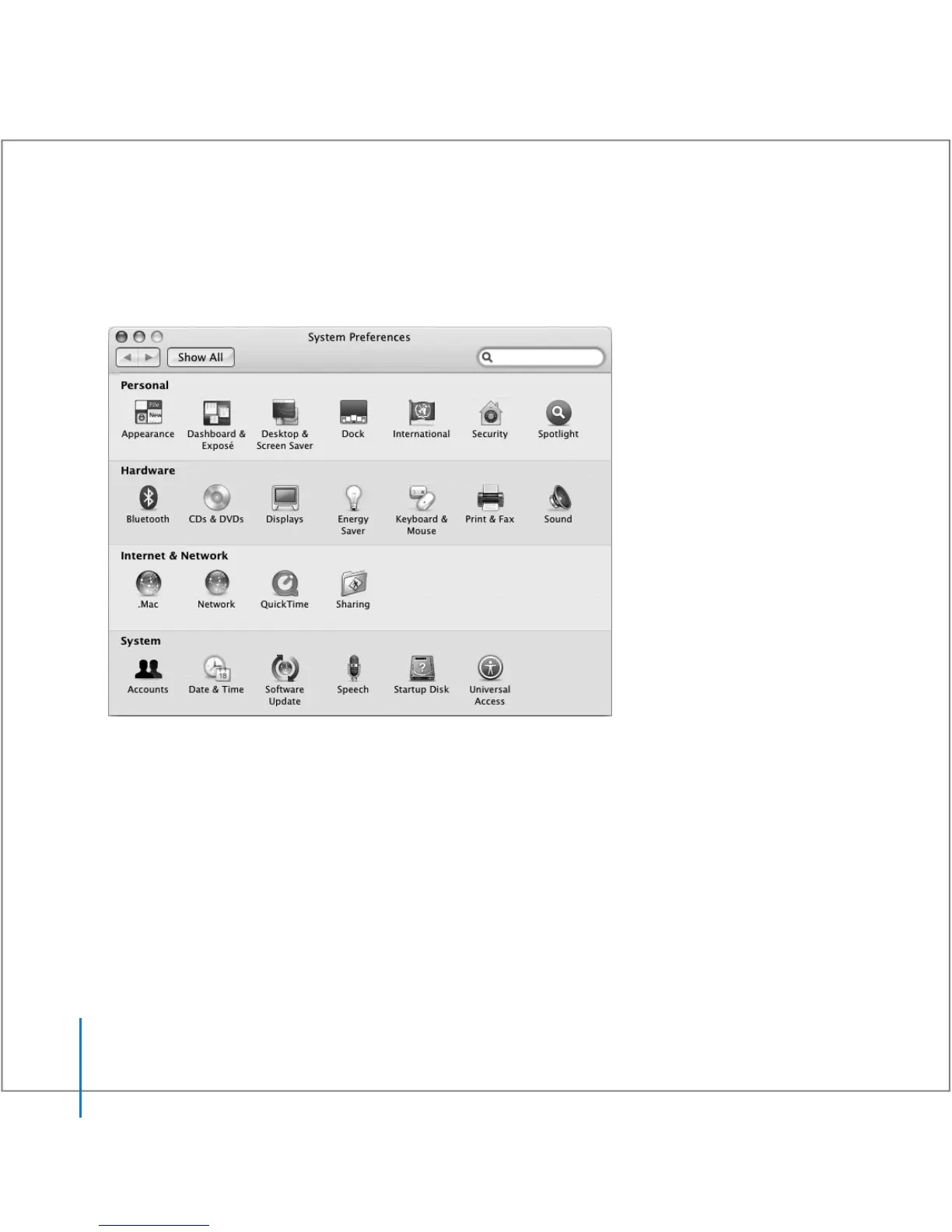
You can quickly make your desktop look the way you want using System Preferences.
Choose Apple () > System Preferences from the menu bar.
Feel free to make changes and experiment with the following panes:
 Appearance: Select this preference pane to change the colors of buttons, menus,
windows, and highlight colors, among other options.
 Dashboard & Exposé: Select this preference pane to set active screen corners and
shortcuts for Dashboard, the desktop, your application windows, and all windows.





 To Next Page