Chapter 3 Using Your MacBook Pro 55
Getting More Information About USB
More information about USB is available in Mac Help. Choose Help > Mac Help in the
menu bar and search for “USB.” You can also find information on the Apple USB website
at www.apple.com/usb. For information about USB devices available for your computer,
check the Macintosh Products Guide at www.apple.com/guide.
Connecting with FireWire
Your computer has one FireWire 400 (H) and one FireWire 800 (H) port. With FireWire,
you can easily connect and disconnect external high-speed devices—such as high
definition video (HDV) or digital video (DV) cameras and hard disks—without
restarting your computer.
®
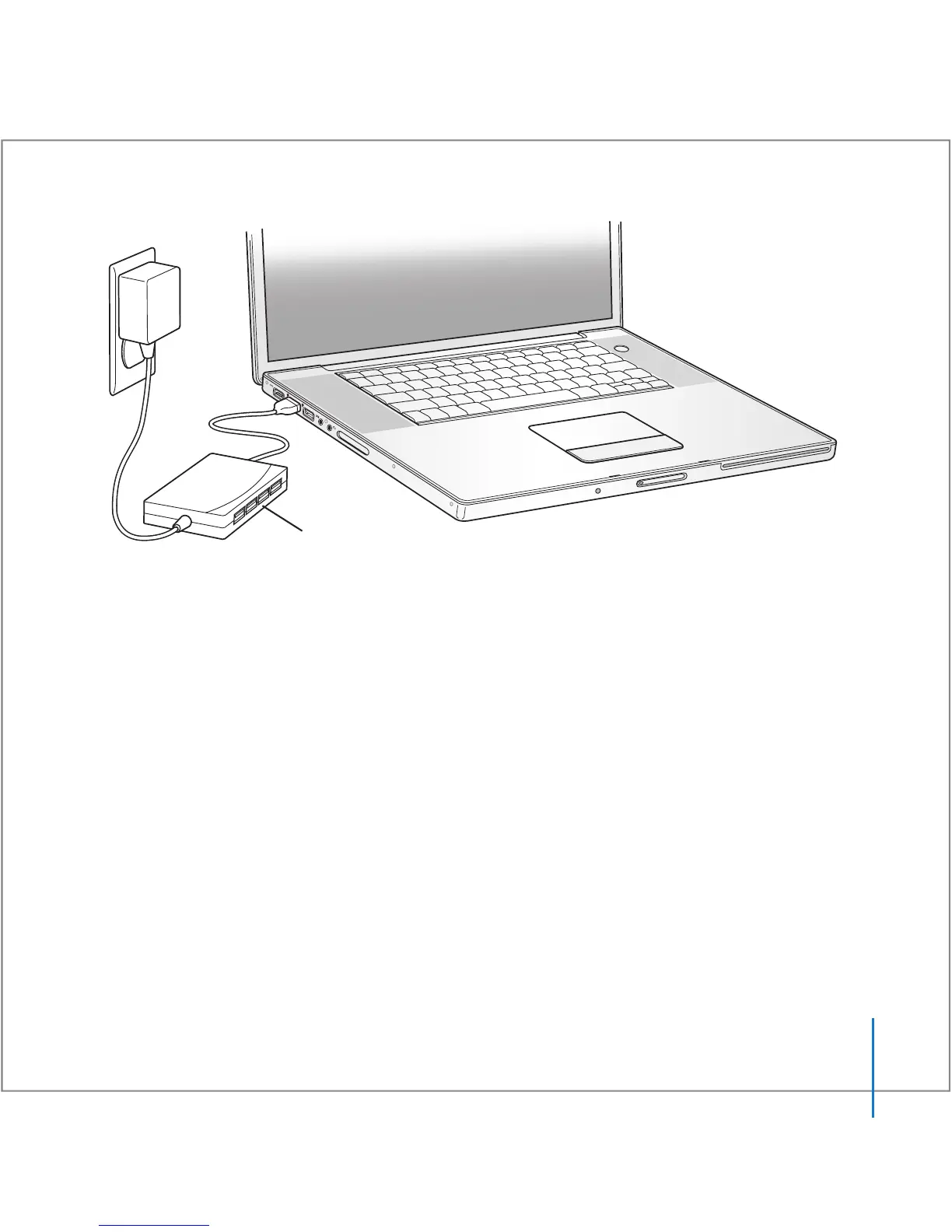
USB hub





 To Next Page