Chapter 3 Using Your MacBook Pro 65
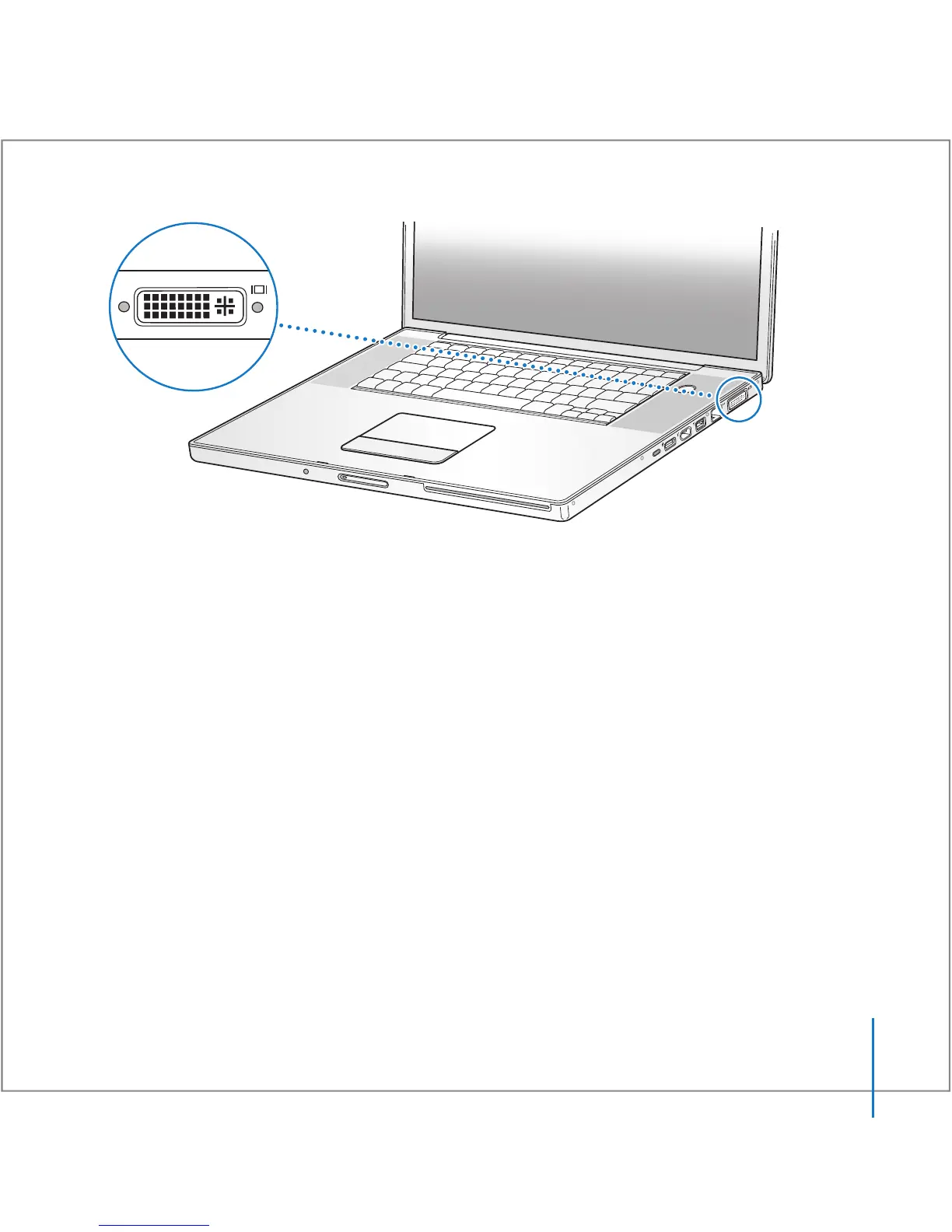
When an external monitor or TV is connected, you can either have the same image
appear on both the built-in display and the external monitor (known as video mirroring)
or use the external monitor to extend the size of the Mac OS desktop (known as
dual-display mode or extended desktop mode). By default, your MacBook Pro starts up
in dual-display mode. Press the F7 (i) key to switch between dual-display and video-
mirroring modes.
If you want sound to come from an external display, such as a projector or TV, you need
to connect an audio cable (not included) from the computer’s headphone (f) port to
that device.
Note: Because of the display limitations of most TVs, images displayed on a TV screen
are of lower quality than those on the built-in display or an external monitor.
®





 To Next Page