70 Chapter 3 Using Your MacBook Pro
Important: The SuperDrive in your MacBook Pro supports standard circular 12 cm discs.
Irregularly shaped discs or discs smaller than 12 cm are not supported. These types of
discs can become lodged in the drive.
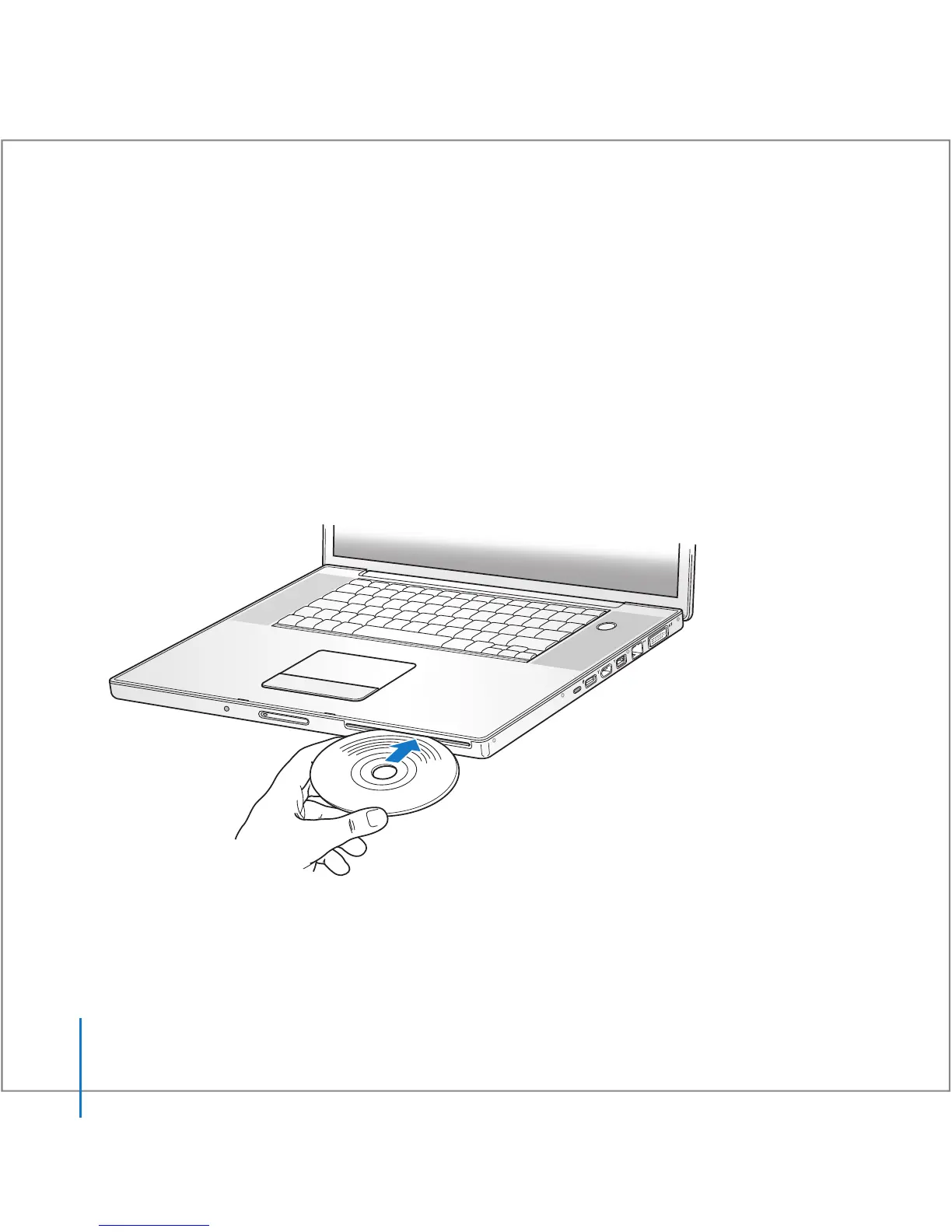
Inserting a CD or DVD Disc
To install or use software from a CD or DVD disc:
1 With the computer turned on, insert the disc (with the label facing up) into the drive
slot until you feel the drive catch the disc and take it the rest of the way in.
You might need to insert the disc nearly all the way before the drive takes it the rest of
the way. This is normal.
2 When the icon for the disc appears on the desktop, the disc is ready to use.
®





 To Next Page