Chapter 4 Adding Memory to Your MacBook Pro 83
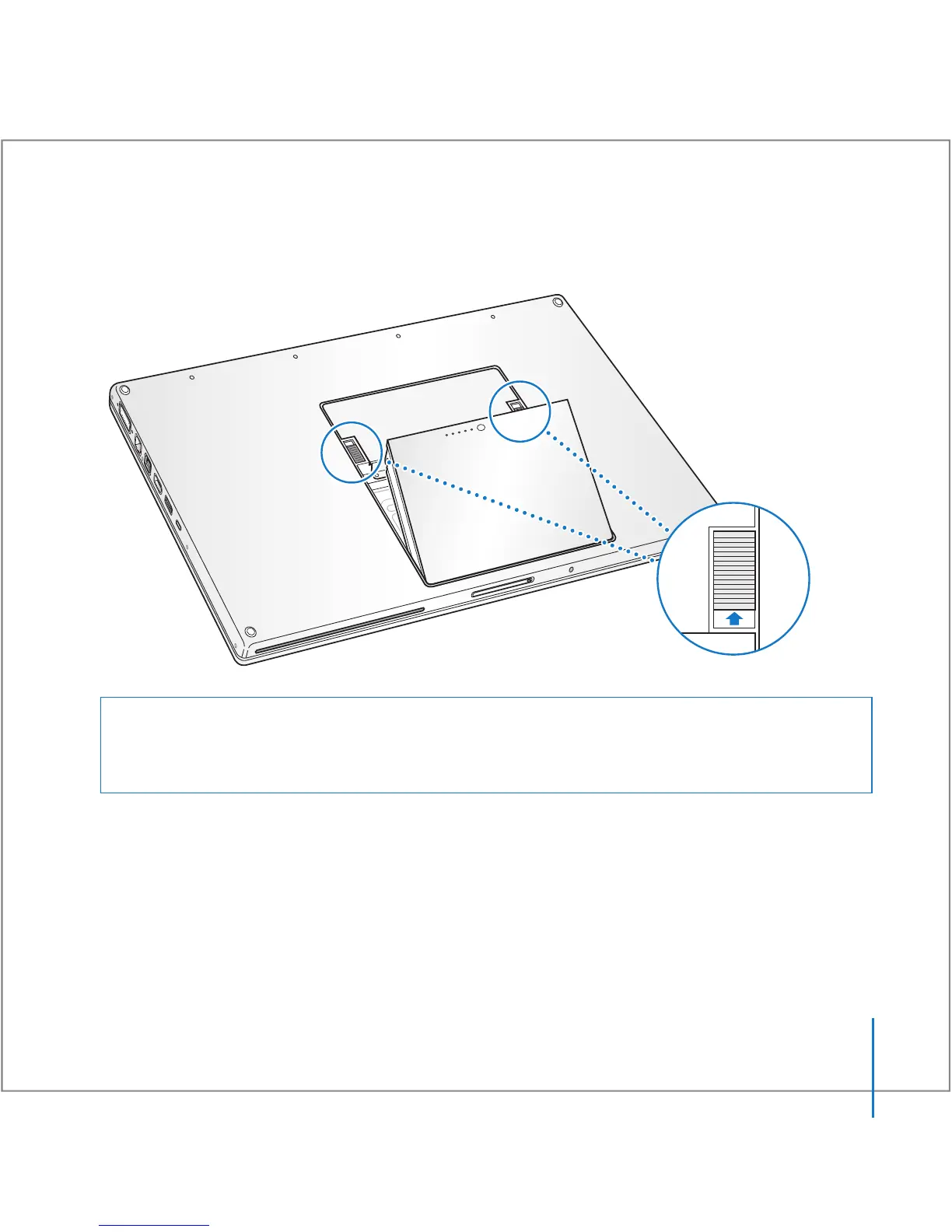
2 Turn over the MacBook Pro and locate the release latches on either side of the battery.
Slide both latches up. The battery should pop up slightly. Lift it out.
Warning: The internal components of your MacBook Pro can be hot. If you have been
using your MacBook Pro, wait 10 minutes after shutting down to let the internal
components cool before continuing.





 To Next Page