MacBook (13-inch, Late 2009) Basics — Serial Number Location 15
2010-06-15
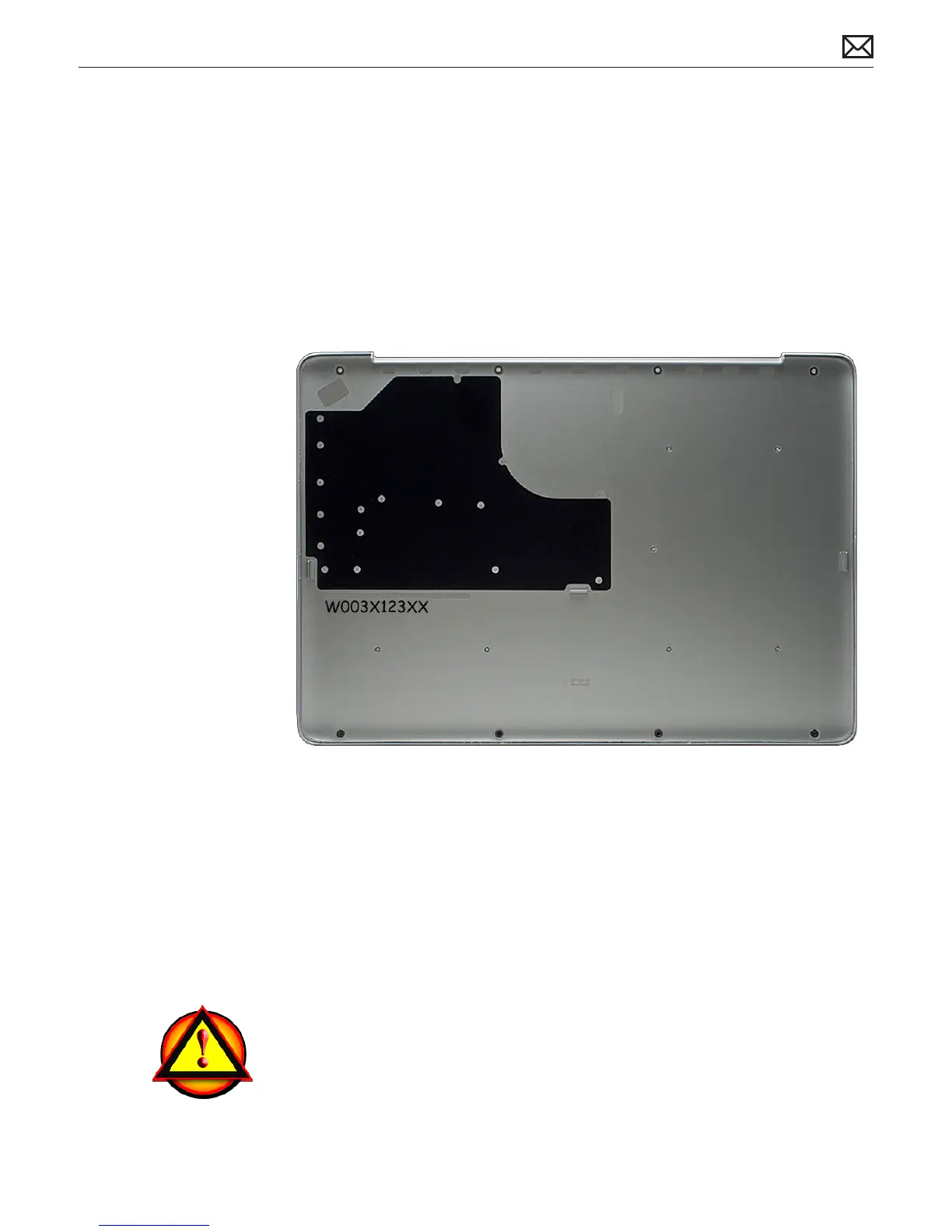
Transferring the Serial Number
When replacing a bottom case, retain the customer’s bottom case until the repair is complete.
Before installing the replacement bottom case, use a ne tip permanent marker to write the
original serial number clearly and legibly in uppercase box letters directly onto the inside of the
new bottom case.
CAUTION: Take great care in deciphering the small typeface of the etched serial number
on the bottom case. You might need a magnifying glass to see it clearly. It is imperative
that you transfer the correct alphanumeric characters. Keep in mind that Apple serial
numbers always use the numbers 1 and 0 instead of the Roman letters “I” and “O.”
Note About Images In This Guide
Because a pre-production model was used for most of the images shown in this guide, you may
notice small dierences in appearance between the image pictured and the computer you are
servicing. However, although the appearance may dier, the steps and sequence are the same
unless noted.
Caution About Ordering Replacement Parts
Caution: Some modules have more than one part number due to dierent product
congurations. Before ordering a replacement part, ALWAYS enter the product serial
number in GSX to nd the compatible part.



 To Next Page