MacBook (13-inch) Take Apart — Optical Drive 104
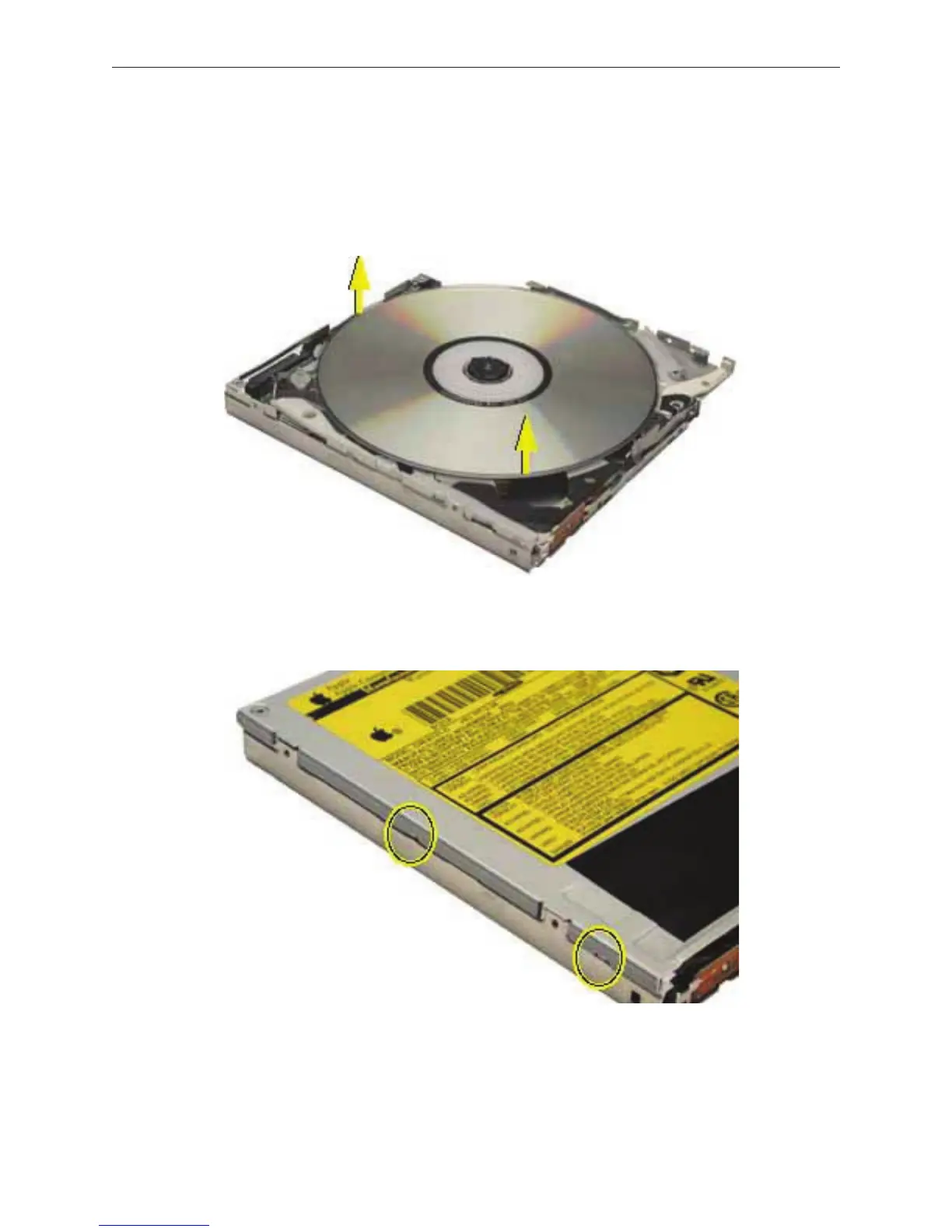
Check the placement of the disc. It is either clamped to the turntable at the center of the
disc, or it is wedged under one or more posts at the outer edge of the disc.
Holding the edge of the disc, press on the center clamp or hold the posts steady as you
remove the disc from the drive.
Important: Do not touch any key components located near the disc.
Replace the top cover on the drive so that the small hooks on the top cover t into the slots
on the bottom cover. Then slide the top cover into place.
Replace the four screws.
Install the replacement drive, and reassemble and test the computer.
3.
4.
5.
6.
7.



 To Next Page