MacBook (13-inch) Take Apart — Optical Drive Cable 106
Procedure
Warning: Handle the optical drive at the side edges only. Do not touch or press anywhere
else on the drive.
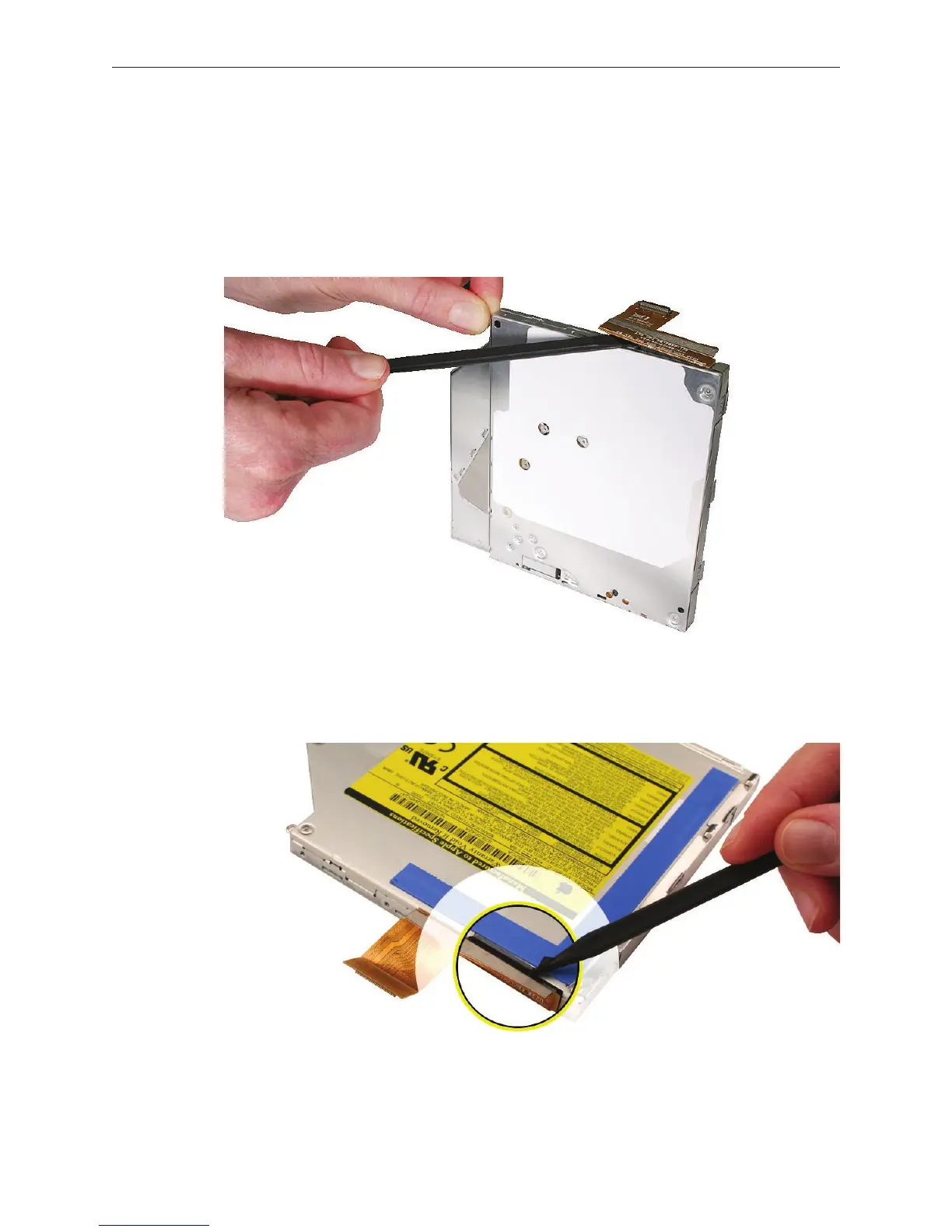
With the optical drive on a clean, scratch-proof surface, use a black stick to evenly pry up the
cable connector from the drive.
Late 2006 Model:
Carefully pry up the thin strip of black tape that overlaps the optical drive cable. Then pry up
the connector from the drive.
1.



 To Next Page