MacBook (13-inch) Take Apart — DIMM Lever Kit 123
Procedure
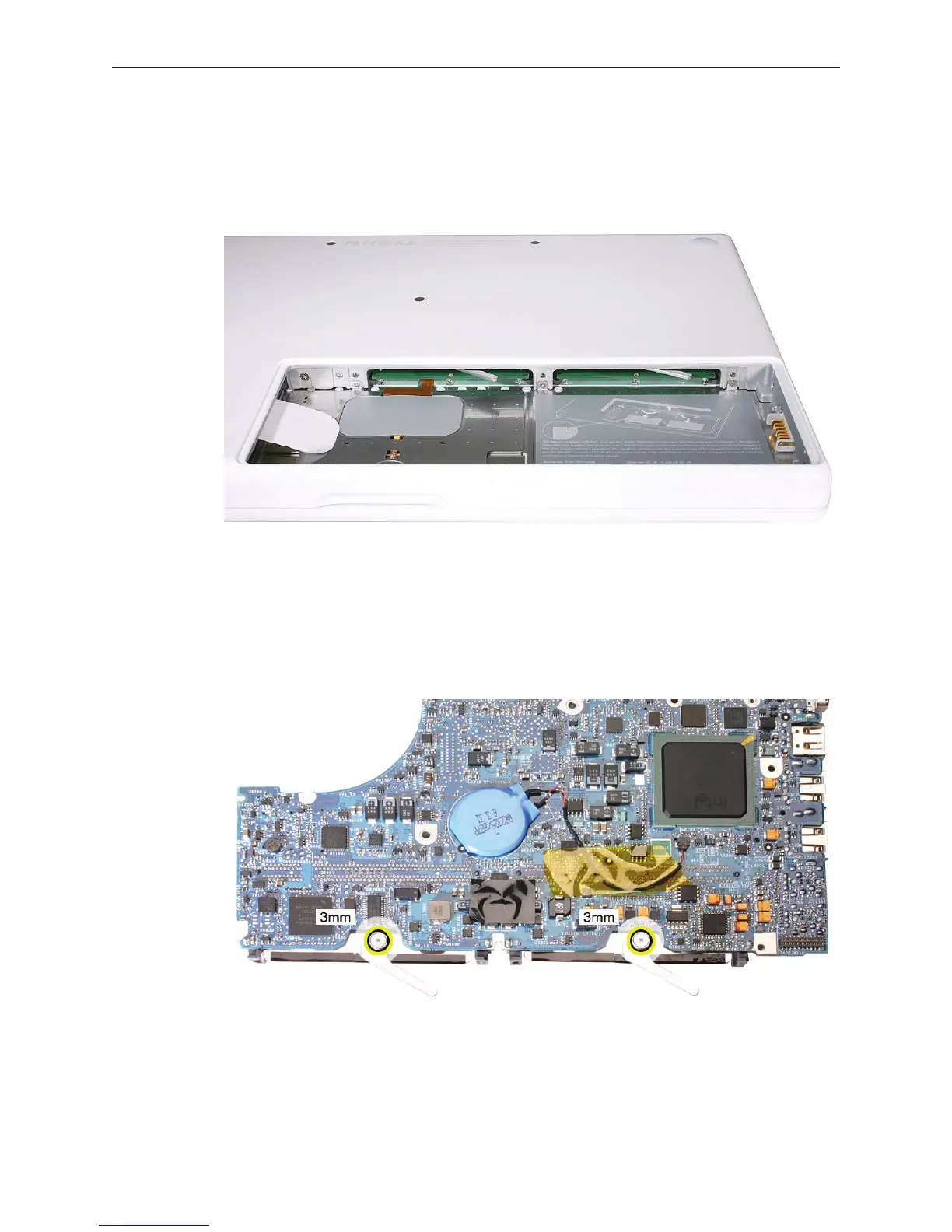
Important: The following image shows the memory cards and hard drive installed in the battery
bay. Note the correct position of the memory card levers.
Caution: The remaining images pictured in this procedure used a pre-production model, so the
direction and appearance of the levers dier from the computer that you are servicing. However,
the steps should be the same.
On the underside of the logic board, use light pressure with a Phillips screwdriver to remove
the 3-mm long lever screw. (Remove both screws if replacing both levers.)
1.



 To Next Page