MacBook (13-inch) Take Apart — Backup Battery 128
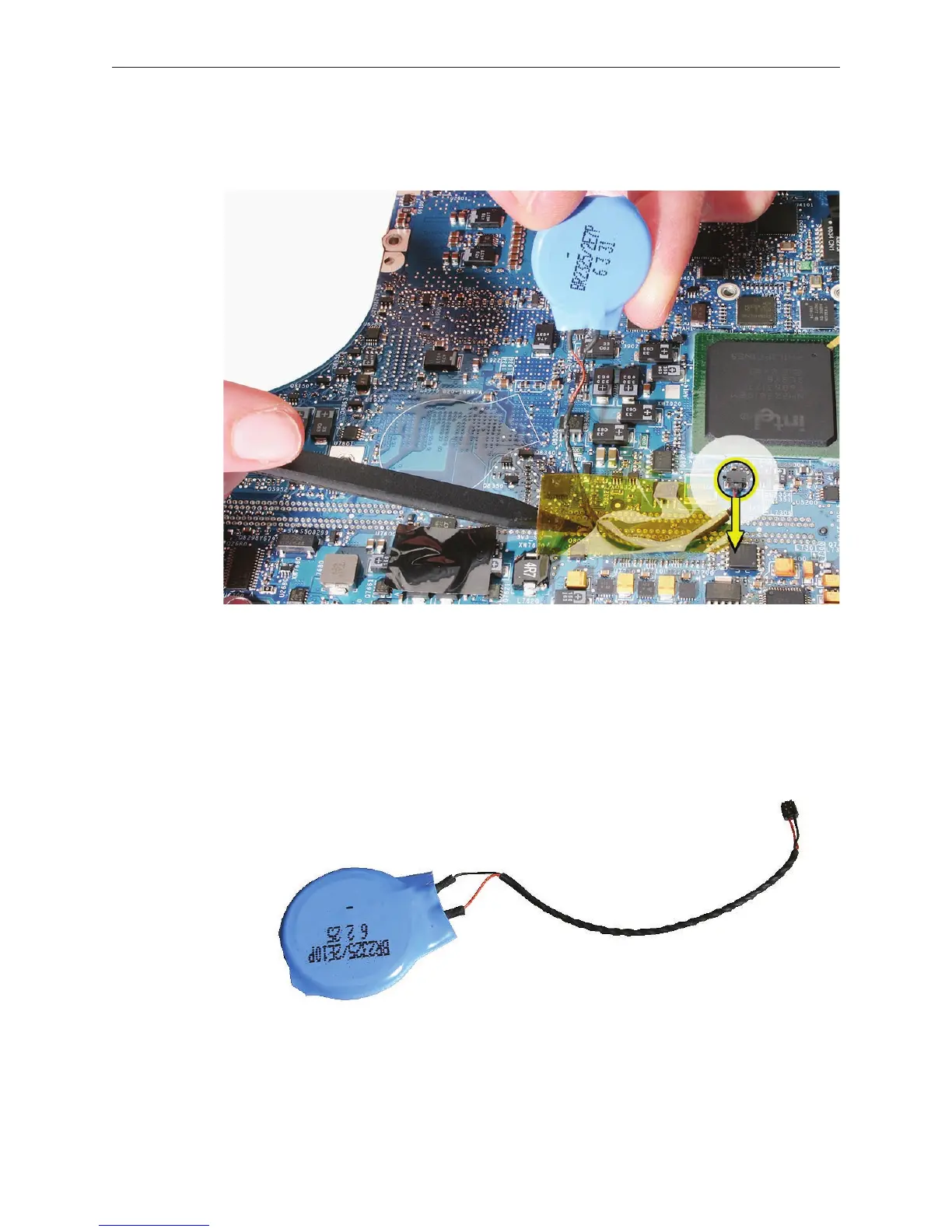
Peel up the tape that holds the backup battery cable in place.
Disconnect the cable by pulling the cable straight out from the connector.
Replacement Note: If you are replacing the backup battery with a new one, peel the
adhesive backing o of the replacement battery, and use a black stick to remove any old
adhesive from the board.
Install the replacement backup battery within the outline printed on the logic board, and
reassemble and test the computer.
3.
4.
5.



 To Next Page