MacBook (13-inch) Take Apart — Battery 14
Battery
Tools
Clean, soft, lint-free cloth
Coin
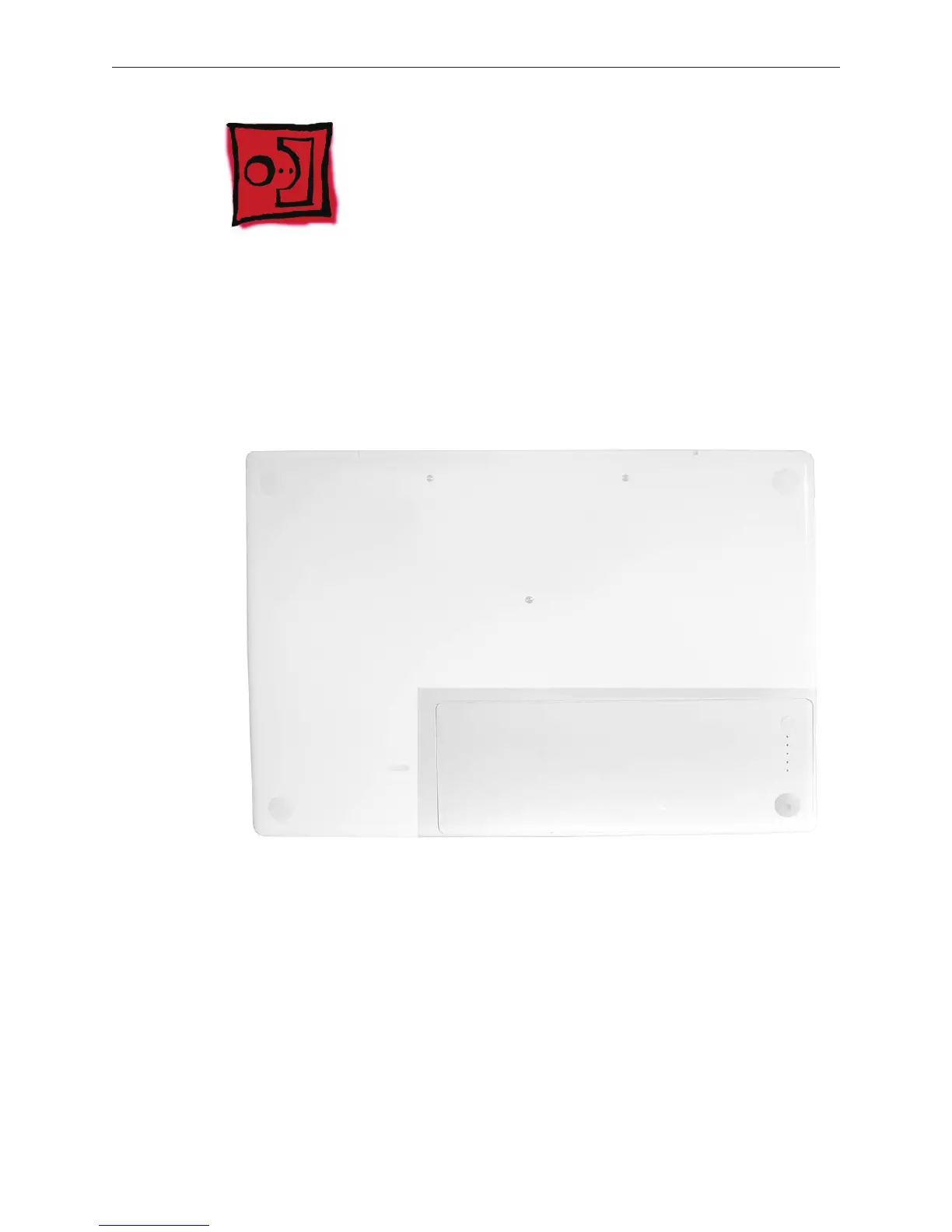
Part Location
Preliminary Steps
Warning: Always shut down the computer before opening it to avoid damaging the internal
components or causing injury. After you shut down the computer, the internal components can
be very hot. Let the computer cool down for 30 minutes before continuing
Procedure
Shut down the computer.
•
•
1.



 To Next Page