MacBook (13-inch) Take Apart — Spacers at Bezel Scoops 165
Procedure
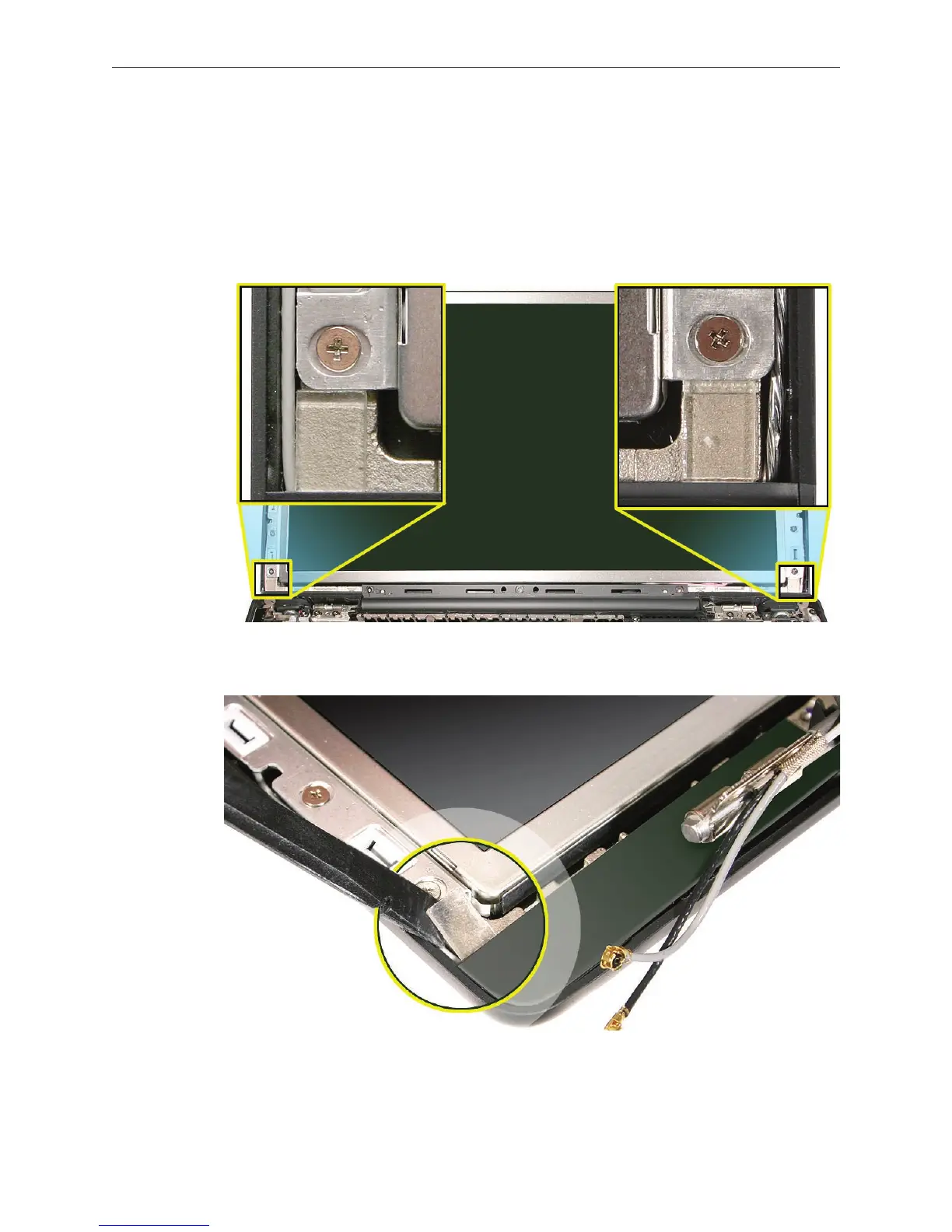
Note the placement of the two spacers that attach to the LCD panel frame with double-sided
adhesive.
Replacement Note: Position the replacement spacers vertically so that they t into the
space between the lower end of the bezel brace and the bezel scoop, but they should not
extend past the outer edge of the display hinge.
Using a black stick, remove the spacers.
Install the replacement spacers above the bezel scoops, and reassemble and test the
computer.
1.
2.
3.


 To Next Page
 Loading...

