MacBook (13-inch) Take Apart — Clutch Block, Left 175
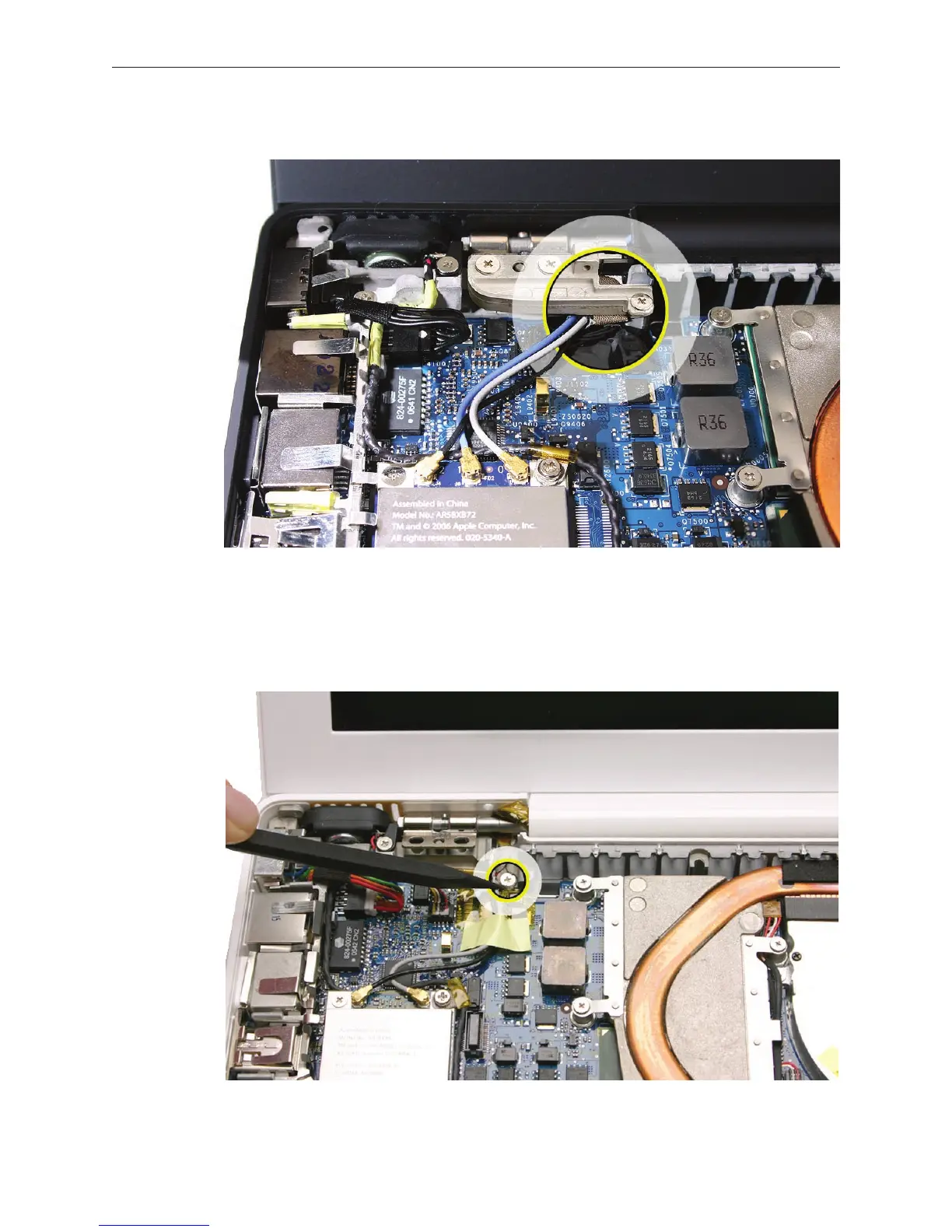
Late 2006 Model: The following image shows the clutch block correctly installed:
Replacement Note: If the inverter cable had been detached to service the display, make
sure to install the inverter cable ground screw to the logic board. This screw is not visible
when the left clutch block is installed. (The Late 2006 model does not have this screw.)


 To Next Page
 Loading...

