MacBook (13-inch) Take Apart — Display Module 187
Install the replacement display module, and reassemble and test the computer.
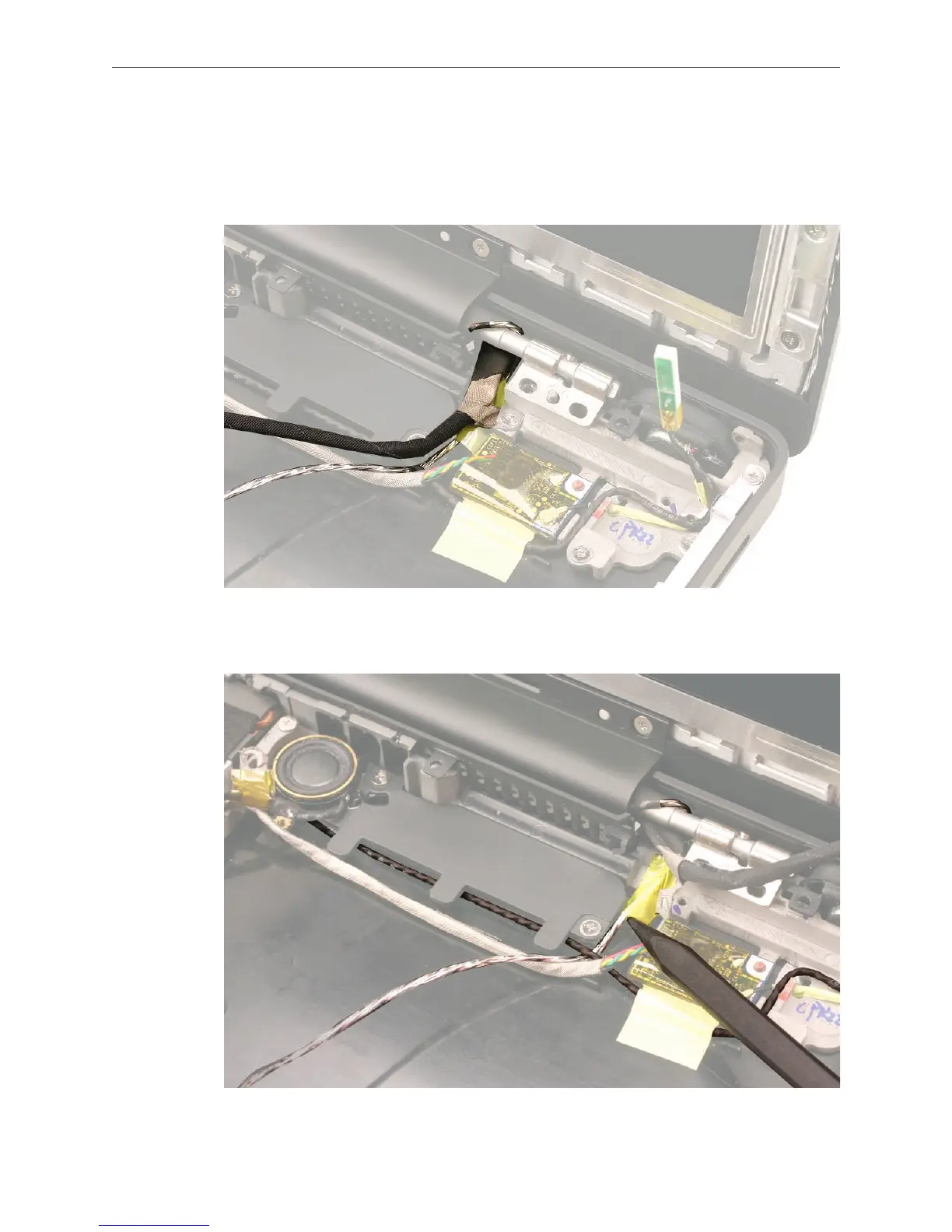
Replacement Note: When installing the display, note how the cables are routed at the right
side of the clutch barrel; The LVDS cable and microphone cable wrap around the back of the
clutch barrel and are routed into the bottom case.
Replacement Note: The microphone cable routes under the right speaker cable and is
secured to the bottom case with one strip of tape.
9.


 To Next Page
 Loading...

