MacBook (13-inch) Take Apart — Clutch Cover 194
Procedure
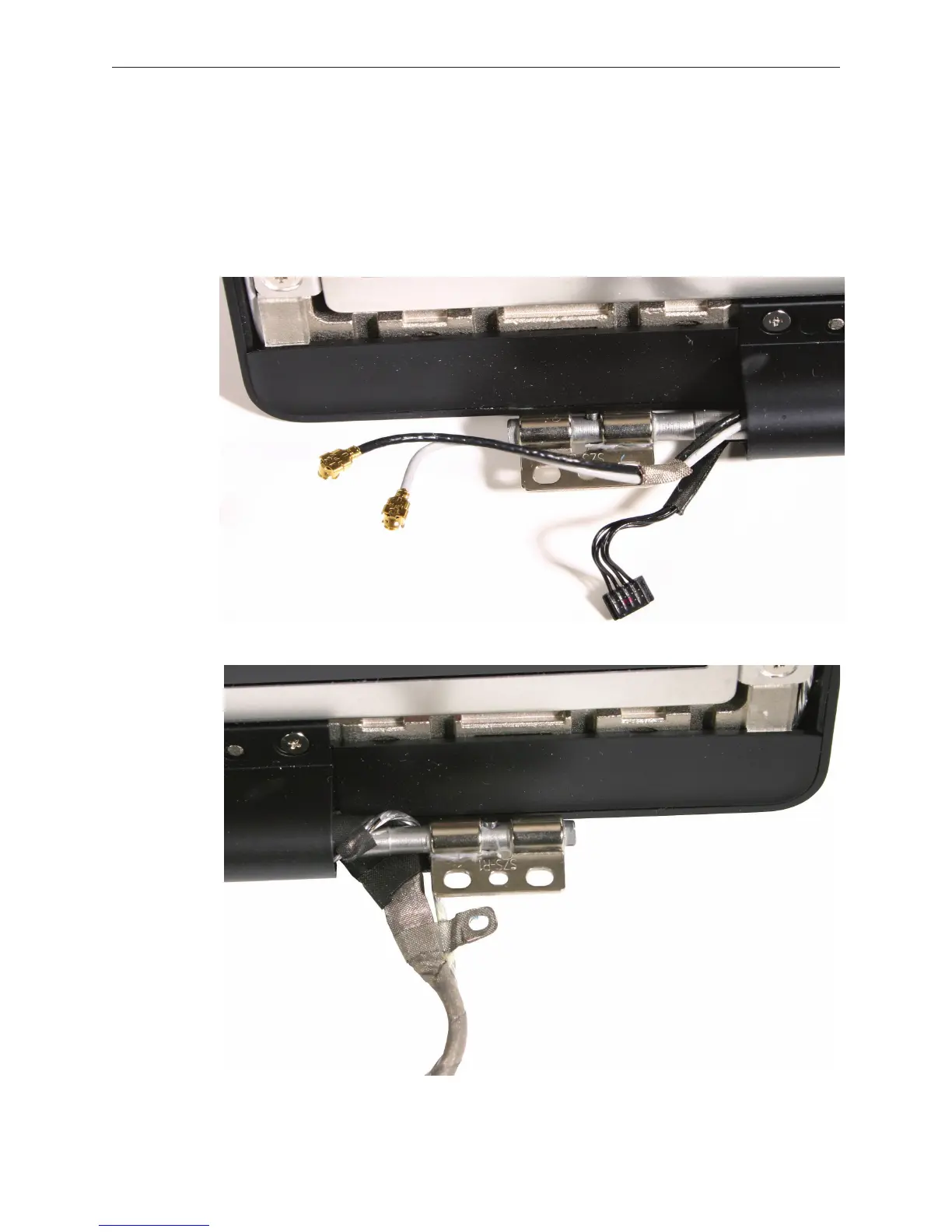
Important: The display cables might catch on the clutch cover at you remove it, so proceed
slowly to prevent any cable damage.
Notice the cable exits points at each side of the clutch. Refer to the cable arrangement
shown when reinstalling the clutch cover.
1.


 To Next Page
 Loading...

