MacBook (13-inch) Take Apart — Clutch Cover 197
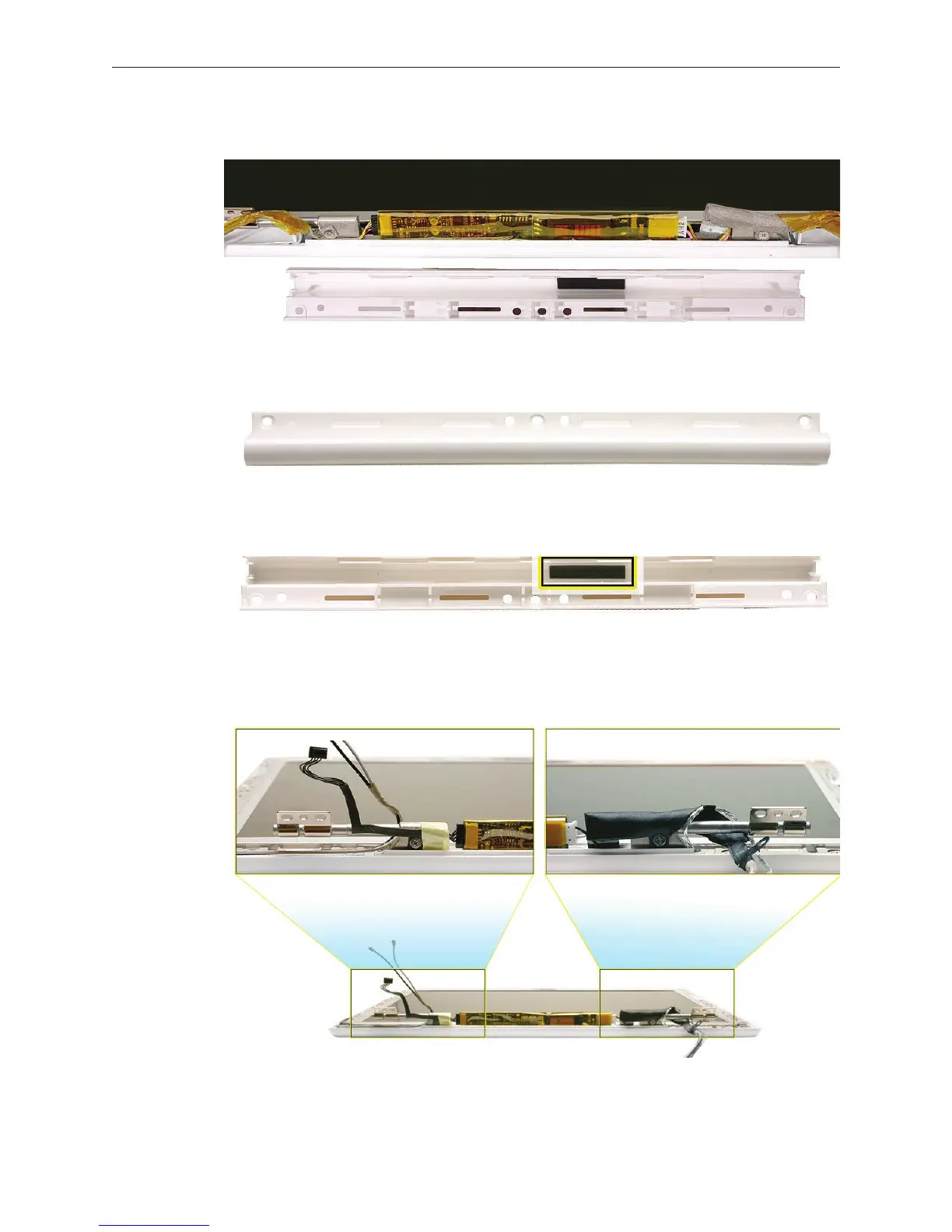
Without straining cables, carefully pull the clutch cover o of the display assembly.
Install the replacement clutch cover, and reassemble and test the computer.
Replacement Note: The inner channel of the clutch cover includes a foam pad that helps
stabilize the inverter board. Do not remove it.
Replacement Note: Be careful when securing the snaps at each end of the clutch cover.
Cables wrap around the barrel at the hinges, but tucking in the cables just right is dicult,
and the cables are subject to pinching damage when the clutch cover is installed.
6.
7.


 To Next Page
 Loading...

