MacBook (13-inch) Take Apart — Bezel Scoops 200
Procedure
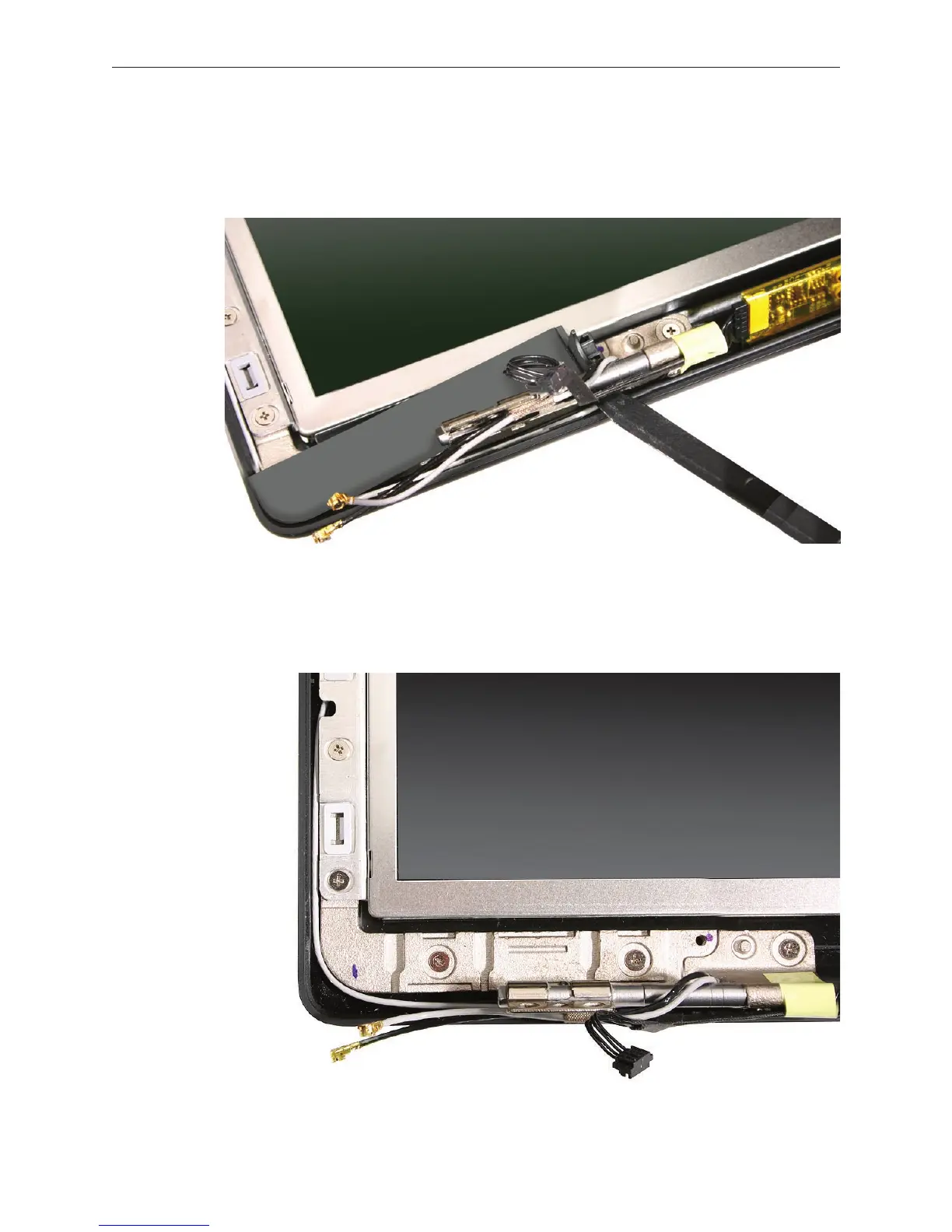
With the bezel spacers removed, use a black stick to loosen the outer edge of the bezel
scoop and push it toward the display face. Repeat for the other bezel scoop.
Replacement Note: Before replacing the bezel scoops, make sure that the cables that are
routed under the bezel scoops have no slack. Refer to the following images for the correct
cable routing.
1.


 To Next Page
 Loading...

