MacBook (13-inch) Take Apart — LCD Panel Assembly 229
Set aside the LCD panel assembly so that the display is face-up if you are replacing any of its
parts or any parts remaining in the display rear housing.
Reinstall the LCD panel assembly as follows.
Reinstallation Procedure
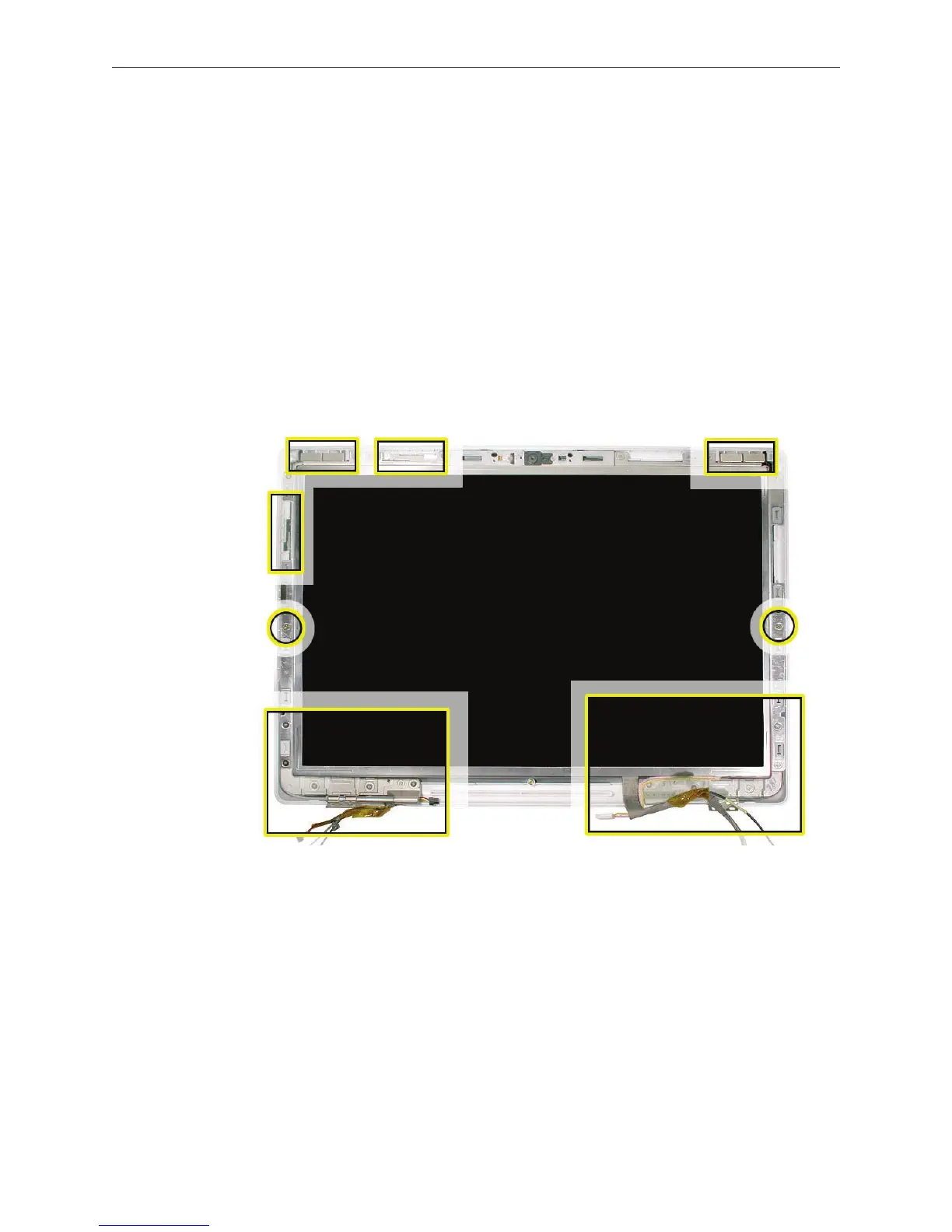
Important: Correctly positioning the LCD panel assembly in the display rear housing requires
careful attention to these areas:
Delicate antenna receptors
Magnets that catch on the bezel brace
Cables to route properly
Locator pins on display rear housing
Caution: Hold the LCD panel assembly at the bezel brace sides or opposite corners. Do not press
or pinch the antenna receptors or anywhere on the LCD panel itself.
6.
7.
•
•
•
•


 To Next Page
 Loading...

