MacBook (13-inch) Take Apart — Foil at Camera Bracket 238
Procedure
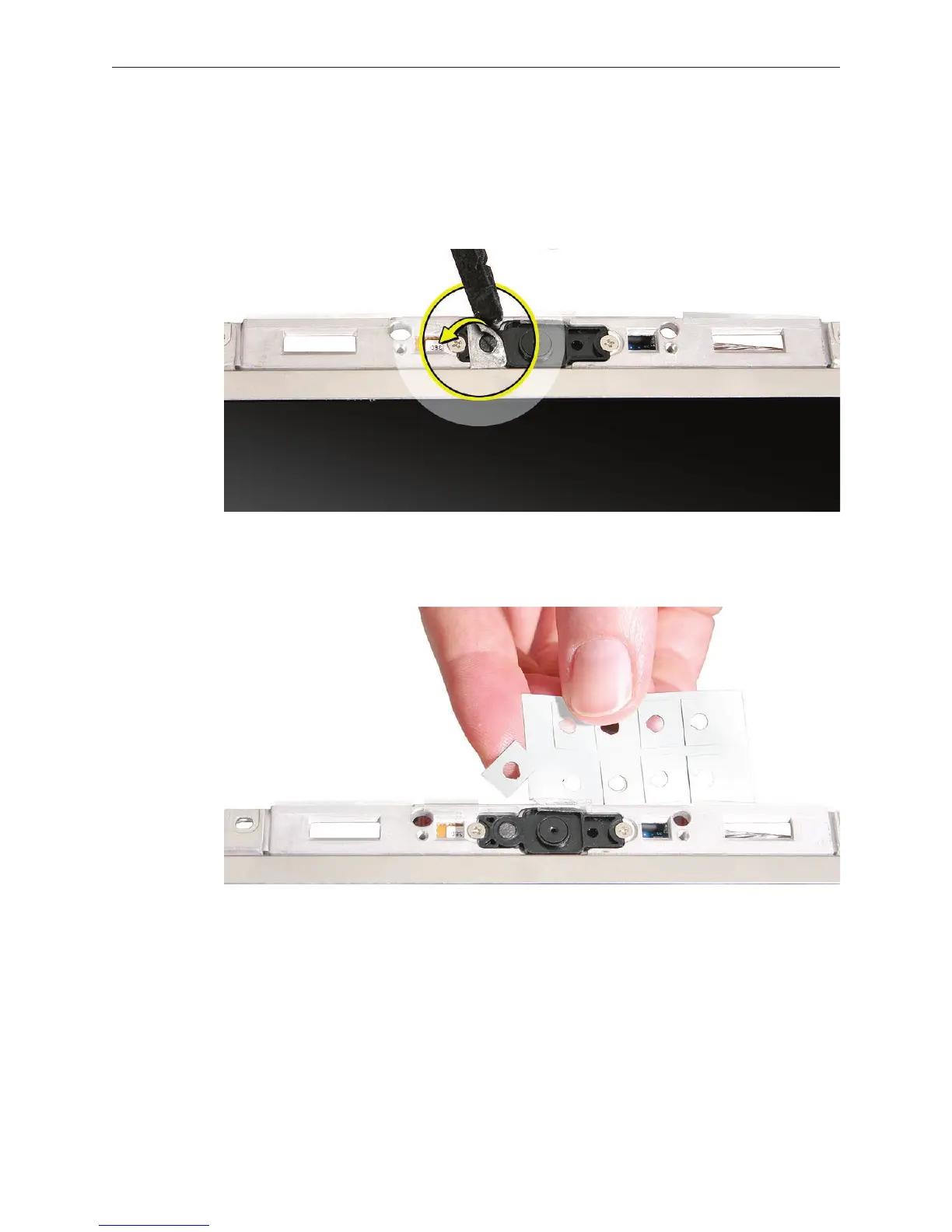
Note the placement of the foil strip that attaches to the camera bracket with an adhesive
backing.
Using a black stick, carefully peel up the foil strip.
Position the replacement foil strip so that its round opening does not block any part of the
round area for the microphone.
1.
2.
3.


 To Next Page
 Loading...

