MacBook (13-inch) Take Apart — Optical Drive 98
Install the replacement optical drive and reassemble and test the computer.
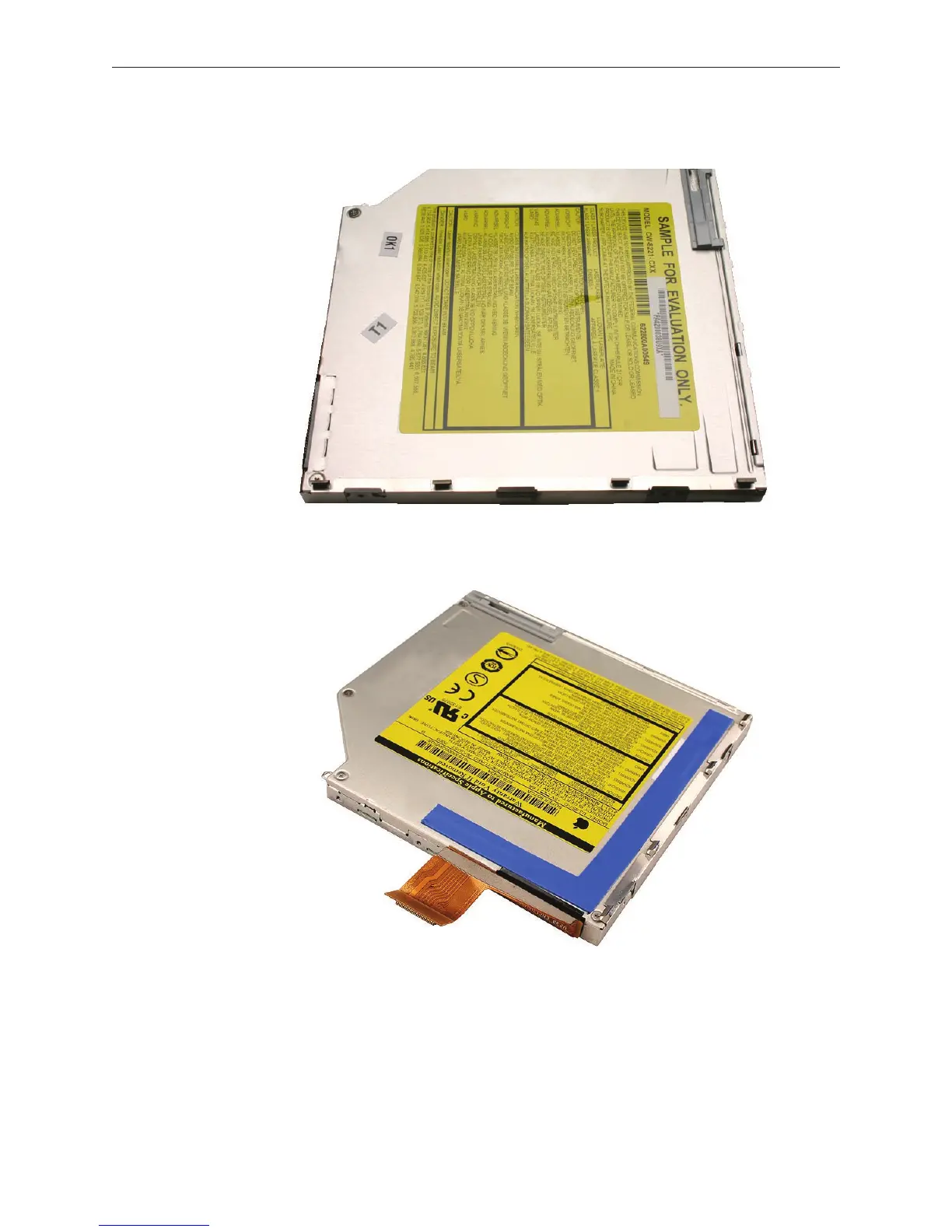
Late 2006 Model: (The blue tape is for controlling vibration; do not remove the tape)
Important: For best performance after a new optical drive replacement, be sure to update
the operating system to the latest Mac OS X version.
13.



 To Next Page