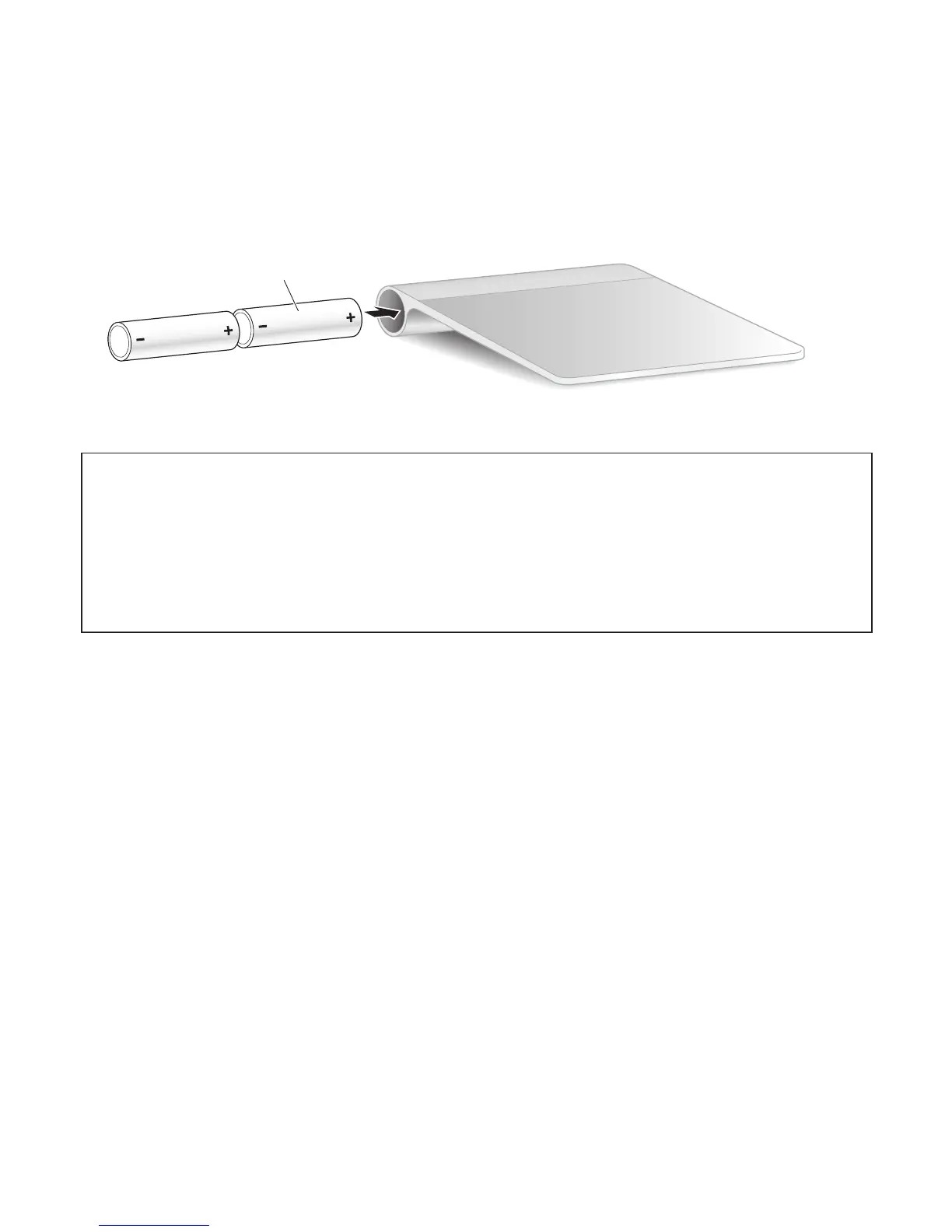
3 Replace the battery compartment cover.
WARNING: Replace or recharge both batteries at the same time. Don’t mix old
batteries with new batteries and don’t mix battery types (for example, alkaline and
lithium batteries). Don’t open or puncture the batteries, install them backwards, or
expose them to re, high temperatures, or water. Don’t charge nonrechargeable AA
batteries. Keep batteries out of the reach of children.
Battery Level Indicator
To check the battery level, choose Apple (K) > System Preferences, and then click
Trackpad. The battery level indicator is in the lower-left corner.
Note: When you aren’t using the Apple Magic Trackpad, it goes to sleep to conserve
battery power.
If you won’t be using your trackpad for an extended period, turn it o.



 To Next Page