12 Chapter 1
Ready, Set Up, Go
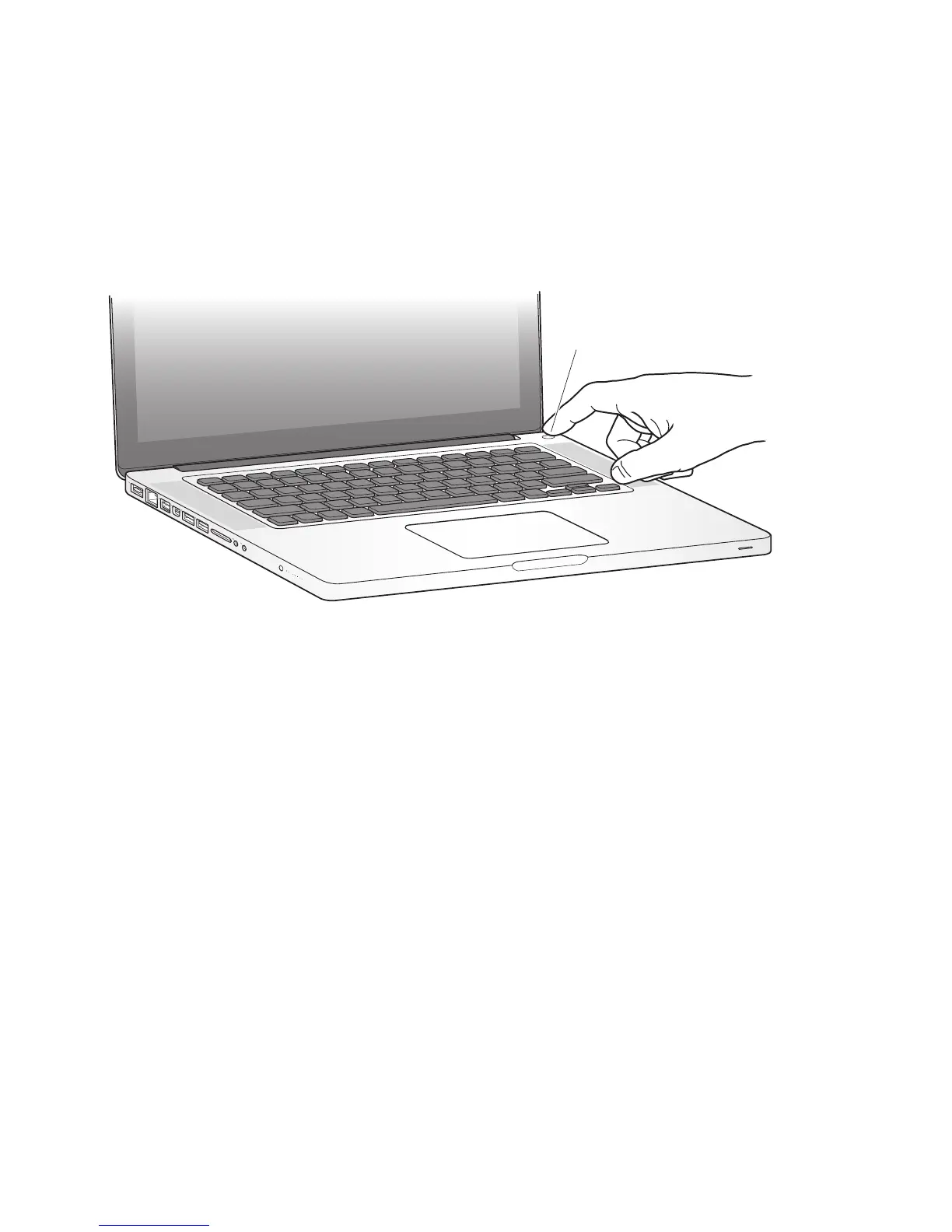
Step 3: Press the power (®
) button briefly to turn on your MacBook Pro.
You hear a tone when you turn on the computer.
It takes the MacBook Pro a few moments to start up. After it starts up, Setup Assistant
opens automatically.
If your MacBook Pro doesn’t turn on, see “If your MacBook Pro doesn’t turn on or start
up” on page 53.
®
® Power button



 To Next Page