64 Chapter 4 Problem, Meet Solution
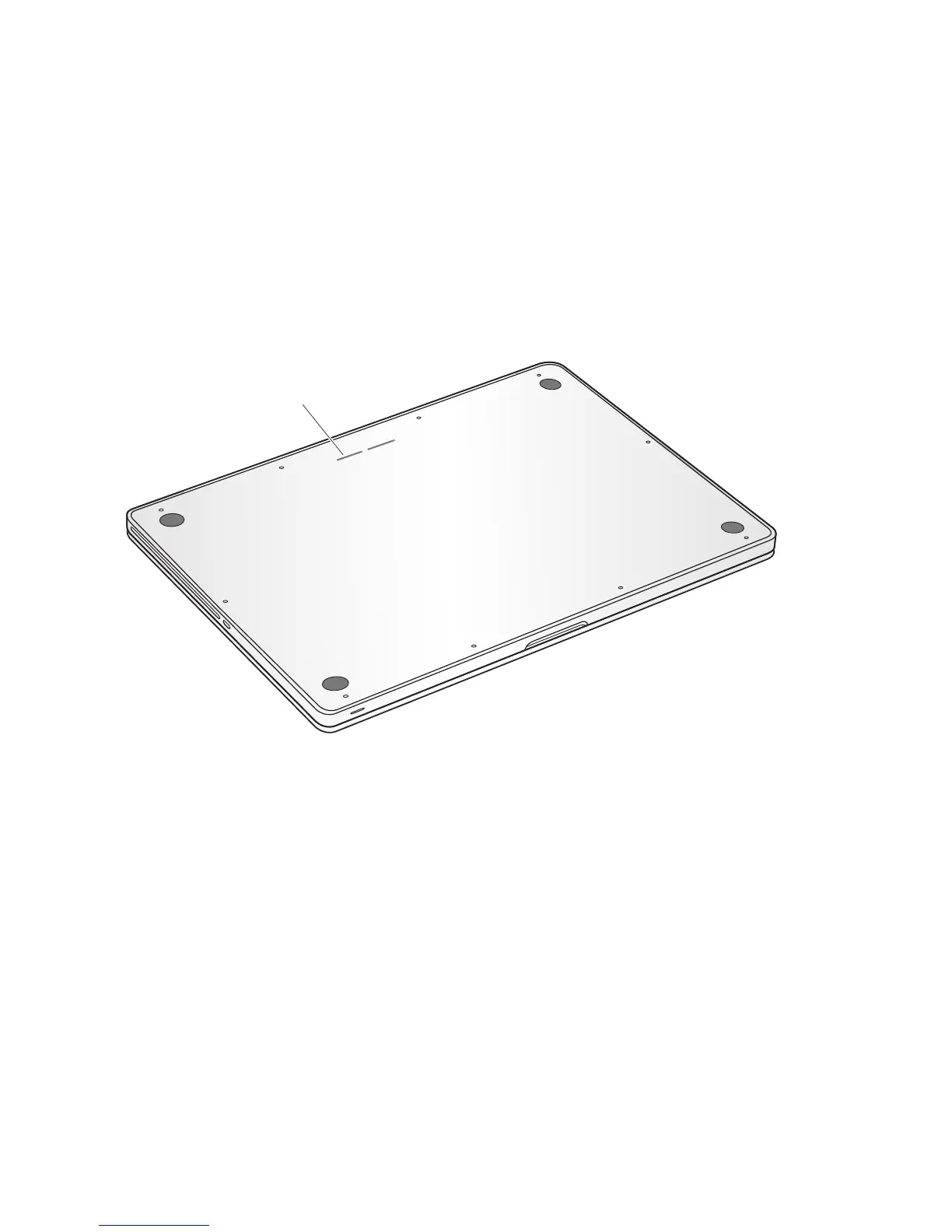
Locating Your Product Serial Number
Use one of these methods to find your computer’s serial number:
 Turn over your MacBook Pro. The serial number is etched into the case near the
hinge.
 Choose Apple () > About This Mac. Click the version number beneath the words
“Mac OS X” to cycle through the Mac OS X version number, the build version, and the
serial number.
 Click the Finder icon and open /Applications/Utilities/System Profiler. Click Hardware
in the Contents pane.
Serial number



 To Next Page