3
19
Basics
Use apps
All the apps that come with iPad—as well as the apps you download from the App Store—are
on the Home screen.
Start from home
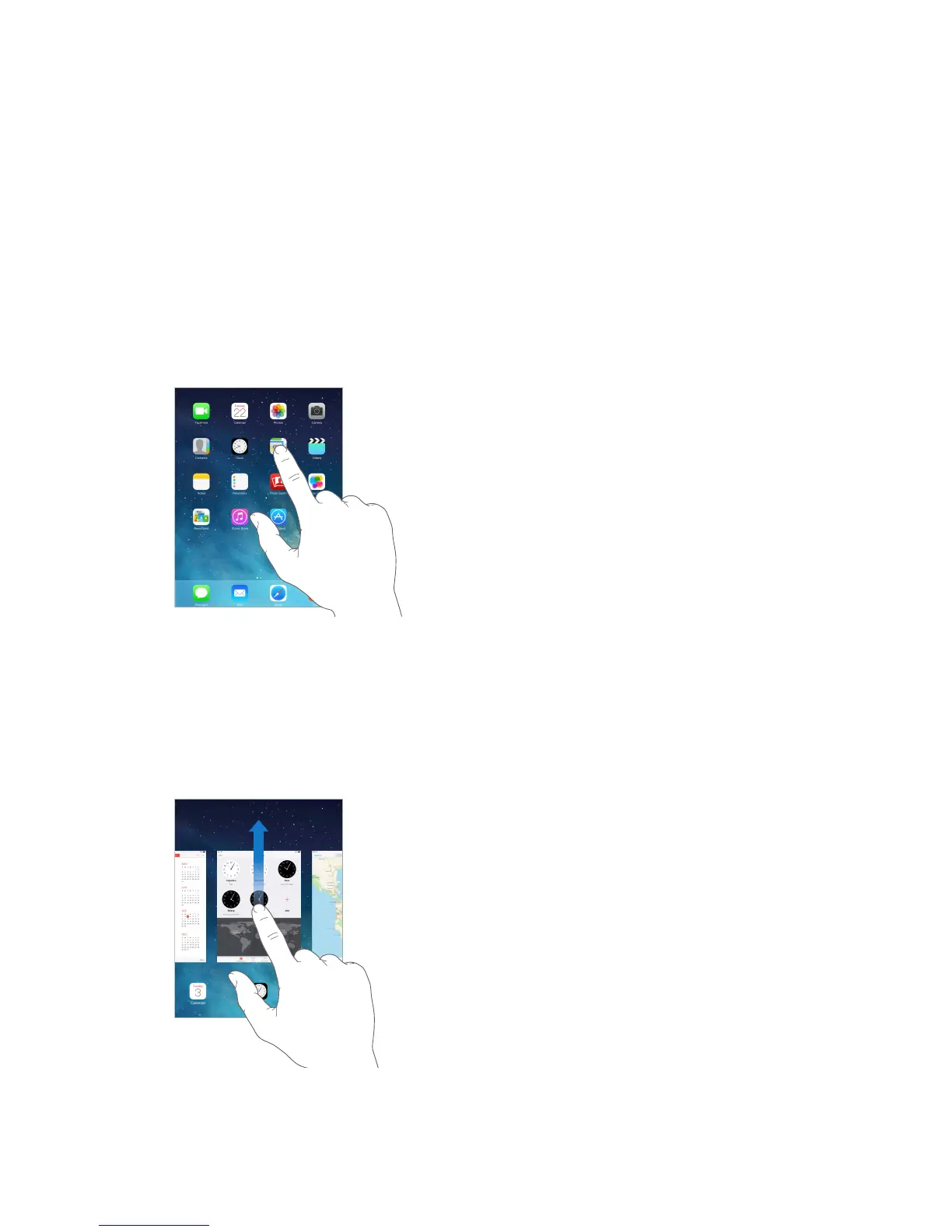
Tap an app to open it.
Press the Home button anytime to return to the Home screen. Swipe left or right to see
other screens.
Multitasking
iPad lets you run many apps at the same time.
View running apps. Double-click the Home button to reveal the multitasking screen. Swipe left
or right to see more. To switch to another app, tap it.



 To Next Page