Chapter 3 Basics 27
Add punctuation or format text. Say the punctuation or format. For example, “Dear Mary
comma the check is in the mail exclamation mark” becomes “Dear Mary, the check is in the mail!”
Punctuation and formatting commands include:
•
quote … end quote
•
new paragraph
•
new line
•
cap—to capitalize the next word
•
caps on … caps o—to capitalize the rst character of each word
•
all caps—to make the next word all uppercase
•
all caps on … all caps o—to make the enclosed words all uppercase
•
no caps on … no caps o—to make the enclosed words all lowercase
•
no space on … no space o—to run a series of words together
•
smiley—to insert :-)
•
frowny—to insert :-(
•
winky—to insert ;-)
Search
Many apps include a search eld you can type in to nd something that the app knows about.
With Spotlight Search, you can search all your apps at once.
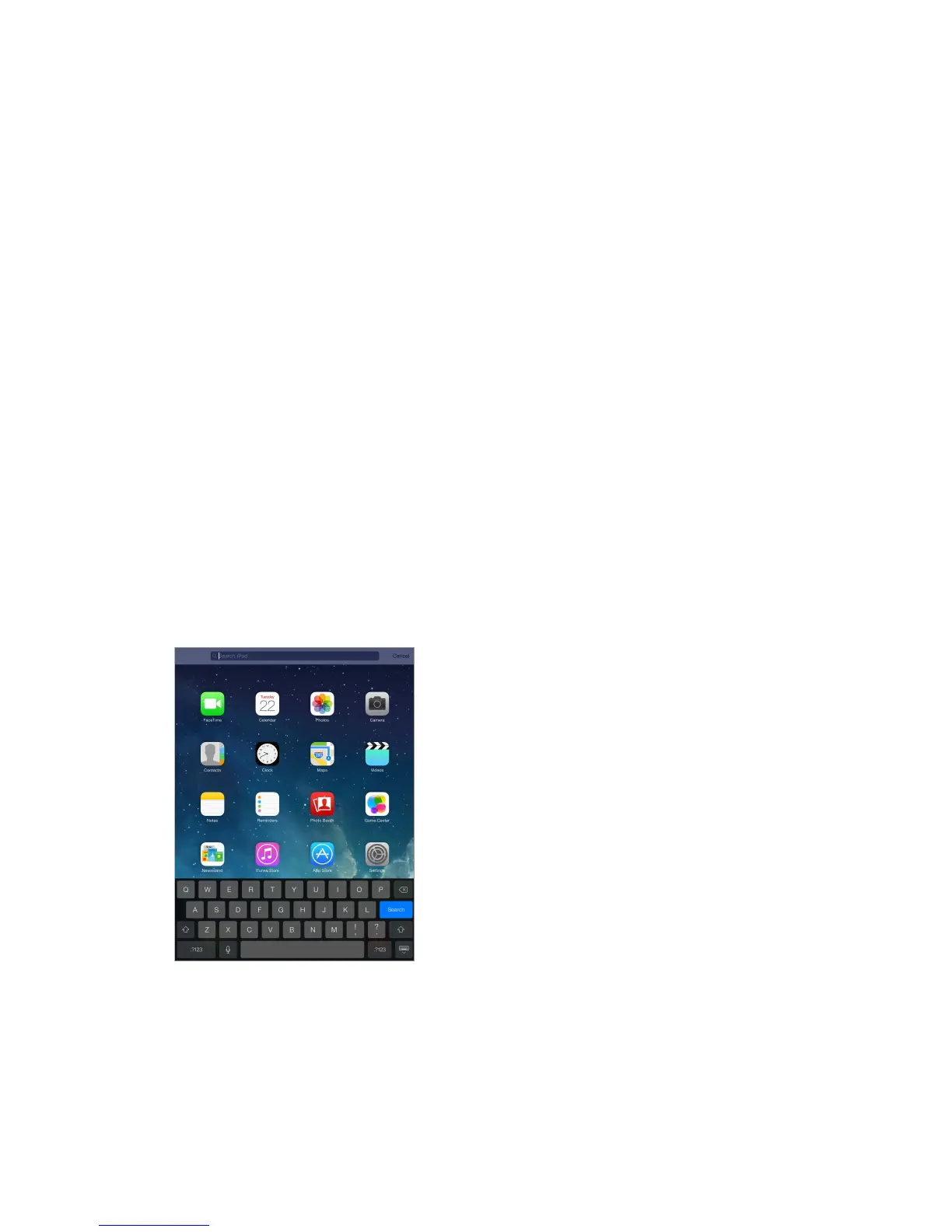
Search iPad. Drag down the middle of any Home screen to reveal the search eld. Results occur
as you type; to hide the keyboard and see more results on the screen, tap Search. Tap an item in
the list to open it.
You can use Spotlight Search to nd and open apps, too.
Choose which apps and content are searched. Go to Settings > General > Spotlight Search. You
can also change the search order.



 To Next Page