Change the preview length in
Settings > Mail, Contacts, Calendars.
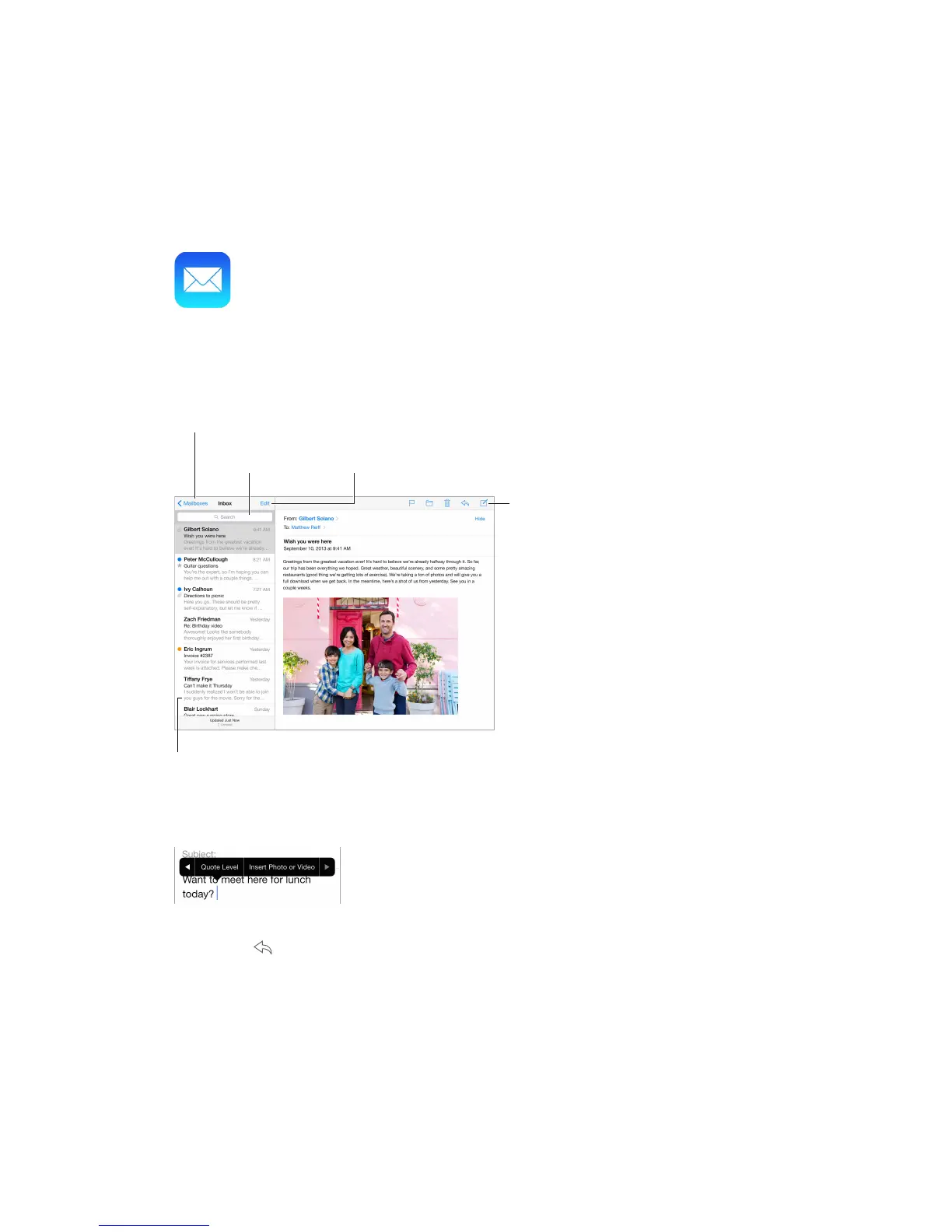
Insert a photo or video. Tap the insertion point, then tap Insert Photo or Video. Also see Edit
text on page 24.
Quote some text when you reply. Tap the insertion point, then select the text you want to
include. Tap , then tap Reply. You can turn o the indentation of the quoted text in Settings >
Mail, Contacts, Calendars > Increase Quote Level.
Send a message from a dierent account. Tap the From eld to choose an account.
Change a recipient from Cc to Bcc. After you enter recipients, you can drag them from one eld
to another or change their order.



 To Next Page