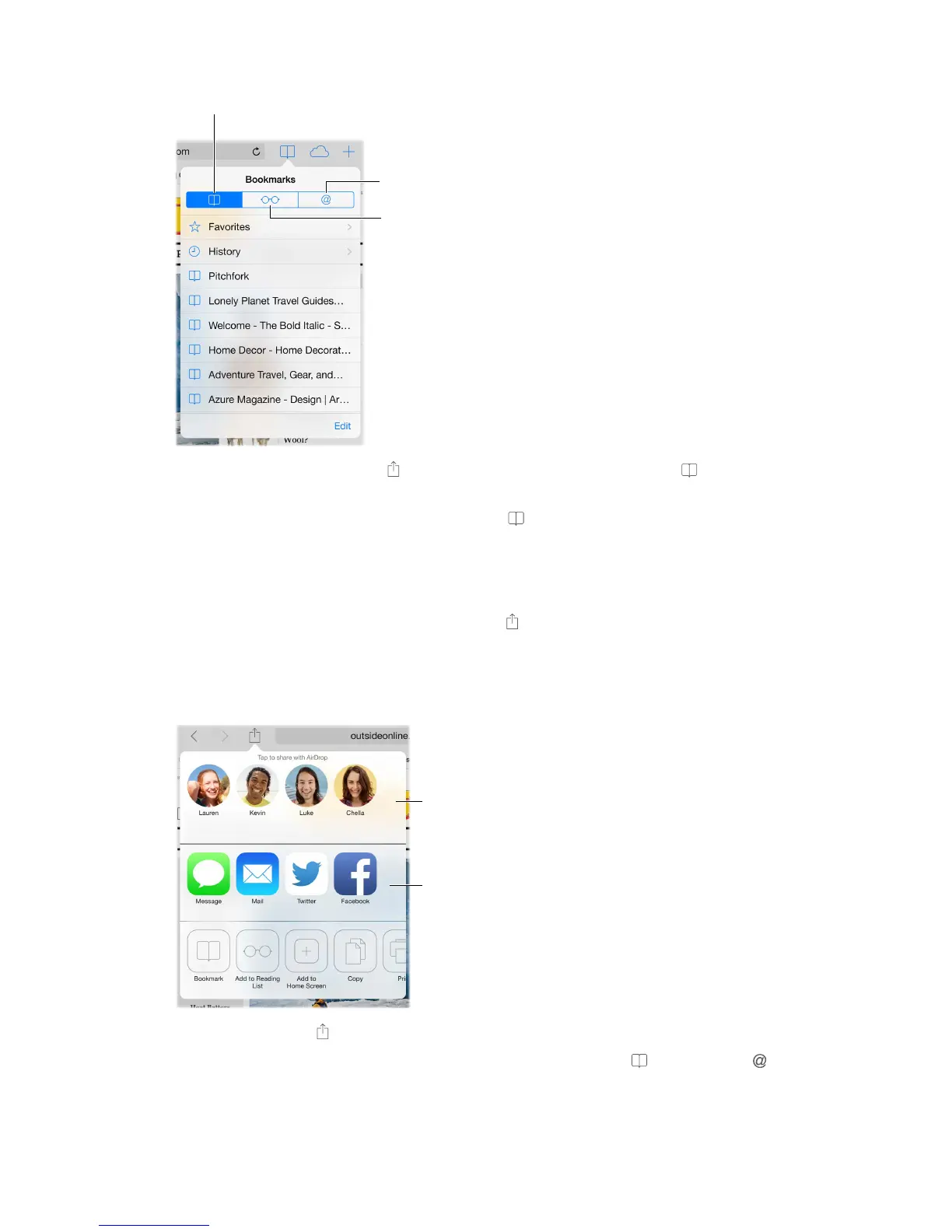
Bookmark the current page. Tap , then tap Bookmark. To revisit the page, tap , then tap
the bookmark.
Get organized. To create a folder for bookmarks, tap , then tap Edit.
Choose which favorites appear when you tap the search eld. Go to Settings > Safari > Favorites.
Bookmarks bar on your Mac? Turn on Settings > iCloud > Safari if you want items from the
bookmarks bar in Safari on your Mac to appear in Favorites on iPad.
Save a webclip shortcut on your Home screen. Tap , then tap Add to Home Screen. The
webclip appears only on the device where you create it.
Share what you discover
Other sharing
options
Spread the news. Tap .
See who’s tweeting what. Go to Settings > Twitter and sign in, then tap and look under to
see links tweeted by your friends and others you follow.



 To Next Page